1
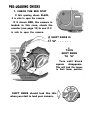
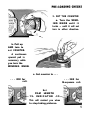
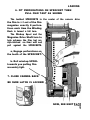
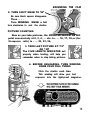
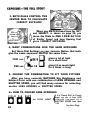
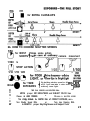
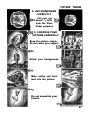
1. CHECK THE RED SPOT
If this opening shows BLACK,
it is safe to open the camera.
If it shows RED, the camera is
loaded. In this case, check the
counter (see page 13) to see if it
is safe to open the camera.
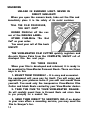
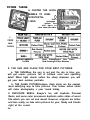
SHIFT KNOB IS
“B” . . . . . .
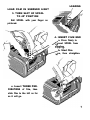
2.
TURN
SHIFT KNOB
TO “A”
Turn until black
square
disappears.
This will lock the lenses
in their lower position.
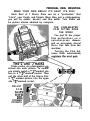
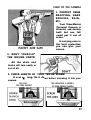
SHIFT KNOB should look like this
when you start to load your camera,