1
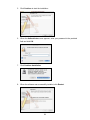
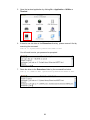
To verify the installation, you can go to /System/Library/Extensions to check if
AX88772.kext is present.
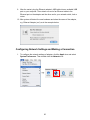
8. Connect the Ethernet adapter to a free USB port.
9. Reboot your Mac.
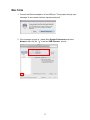
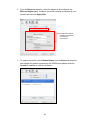
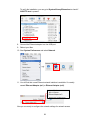
10. Start System Preferences and select Network.
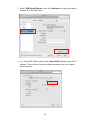
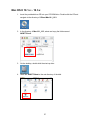
11. You will find that a new Ethernet network interface is available. It’s usually
named Ethernet Adapter (en1) or Ethernet Adapter (en2).
Now you are ready to configure the network settings for network access.
29