1
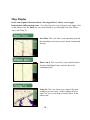
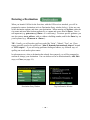
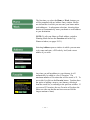
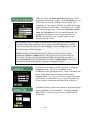
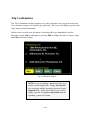
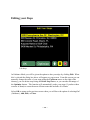
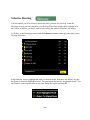
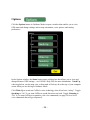
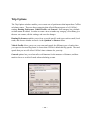
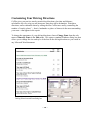
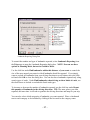
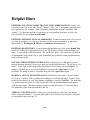
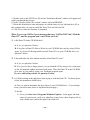
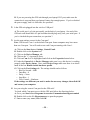
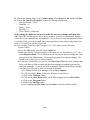
Trip Options The Trip Options window enables you to create sets of preferences that impact how CoPilot calculates routes. There are three categories that affect different aspects of of CoPilots routing: Routing Preferences, Vehicle Profile, and General. Each category has a default set that cannot be edited. In order to create a new set under any category, select New, give the new set a name, edit the settings, and save the changes. Routing Preferences enables you to favor or avoid specific road types such as small, local roads, and choose whether to travel via the Quickest or Shortest route. Vehicle Profile allows you to set your own road speeds for different types of roads when you expect to be travelling faster or slower than CoPilots default driving speeds The road speeds that you set will affect CoPilots time estimates for your trip. General options lets you select miles or kilometers for the measure of distance, and how much to favor or avoid toll roads when calculating a route. - 32 -