1
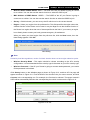
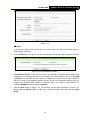
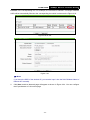
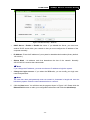
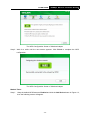
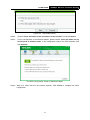
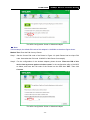
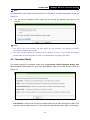
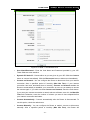
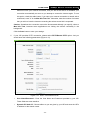
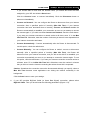
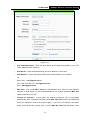
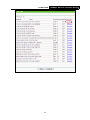
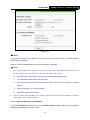
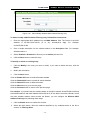
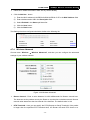
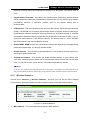
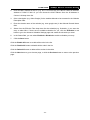
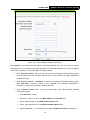
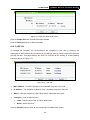
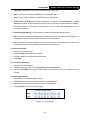
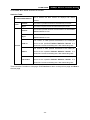
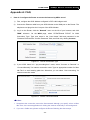
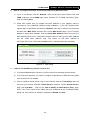
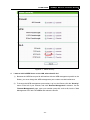
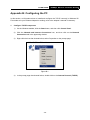
TL-WR743ND 150Mbps Wireless AP/Client Router Connect in the corresponding row. For example, the first item is selected. The target network’s SSID will be automatically filled into the corresponding box which is shown as the Figure 3-23. Figure 3-22 AP List Figure 3-23 Note: If you know the SSID of the desired AP, you can also input it into the field "Wireless Name of Remote AP" manually. 2. Click Next, and then Network page will appear as shown in Figure 3-24. You can configure the IP parameters of LAN on this page. - 24 -