TL-WN725N
4.
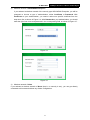
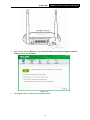
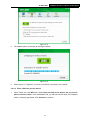
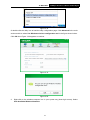
Click Change to specify the destination location for the software or you can leave it default.
Click Next in the screen below to continue.
Figure 2-4
5.
150Mbps Wireless N Nano USB Adapter
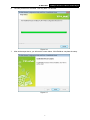
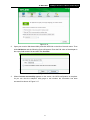
Click Install to continue the setup.
Figure 2-5
6