1
Chapter 17 System Maintenance via FTP
The firmware can be downloaded to the switch via FTP function. FTP (File Transfer Protocol), a
protocol in the application layer, is mainly used to transfer files between the remote server and the
local PCs. It is a common protocol used in the IP network for files transfer. If there is something
wrong with the firmware of the switch and the switch can not be launched, the firmware can be
downloaded to the switch again via FTP function.
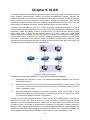
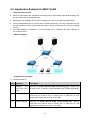
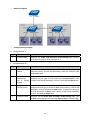
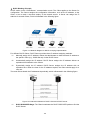
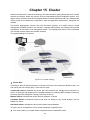
1. Hardware Installation
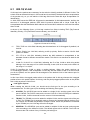
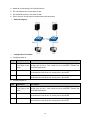
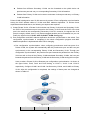
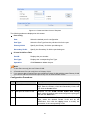
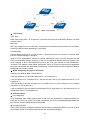
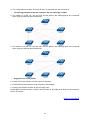
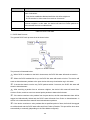
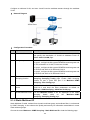
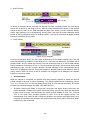
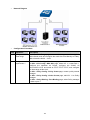
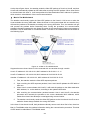
Figure 17-1 Hardware Installation
1) Connect FTP server to port 1 of the switch.
2) Connect the Console port of the PC to the switch.
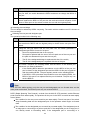
3) Save the firmware of the switch in the shared file of FTP server. Please write down the
user name, password and the firmware name.
2. Configure the Hyper Terminal
After the hardware installation, please take the following steps to configure the hyper terminal of
the management PC to manage the switch.
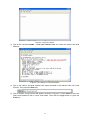
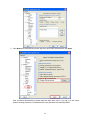
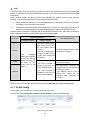
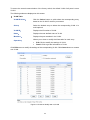
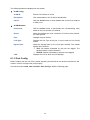
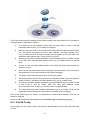
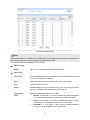
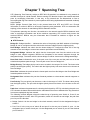
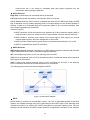
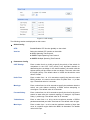
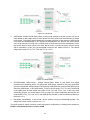
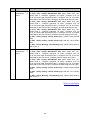
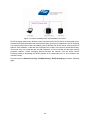
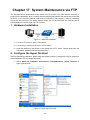
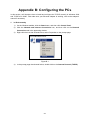
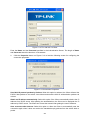
1) Select Start→All Programs→Accessories→Communications→Hyper Terminal to
open hyper terminal.
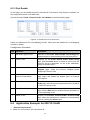
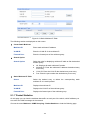
Figure 17-2 Open Hyper Terminal
272