1
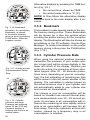
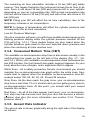
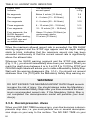
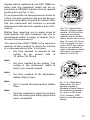
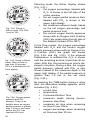
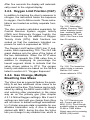
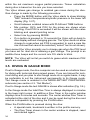
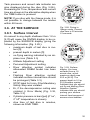
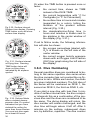
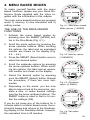
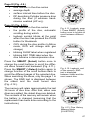
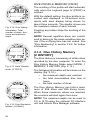
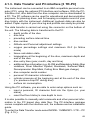
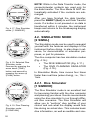
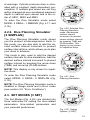
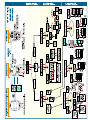
Page III (Fig. 4.9.) dive number in the dive series average depth surface interval time before the dive DP describing Cylinder pressure drop during the dive (if wireless transmission enabled (HP on)). Page IV (Fig. 4.10.) dive number in the dive series the profile of the dive, automatic scrolling during which: logbook symbol blinks at the point when the user has pressed the PLAN button for Bookmark O2% during the dive profile (in Nitrox mode, O2% will change with gas change) blinking SLOW label when registered blinking ASC TIME label when the dive became a decompression dive. Press the SMART (Select) button once to change the scroll buttons to scroll the different dives forward and backward (Fig. 4.11.). Press the SMART (>Select) button again to change function of the scroll buttons back to scroll the different pages of the selected dive. When searching the dives, only the page 1 is shown. The END text is displayed between the oldest and the most recent dive (Fig. 4.12.). The memory will retain approximately the last 36 hours of dive time. After that, when new dives are added, the oldest dives are deleted. The contents of the memory will remain when the battery is changed (assuming that the replacement has been done according to the instructions). DIVE TIME SELECT Fig. 4.11. Logbook, page I. Press SMART (Select) button once to be able to scroll between different dives. QUIT Fig. 4.12. Logbook, end of the memory. END text is displayed between oldest and the most recent dive. SELECT Fig. 4.13. Dive History Memory Mode. [2 HISTORY]. 47