1
Re-tuning the same
programme automatically
RDS
— Alternative Frequencies (AF)
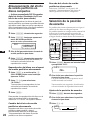
Overview of the RDS
function
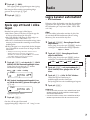
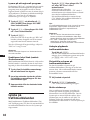
The Radio Data System (RDS) is a
broadcasting service that allows FM stations to
send additional digital information along with
the regular radio programme signal. Your car
stereo offers you a variety of services. Here are
just a few: re-tuning the same programme
automatically, listening to traffic
announcements and locating a station by
programme type.
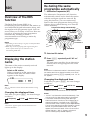
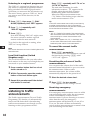
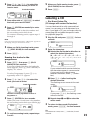
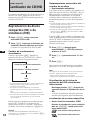
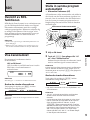
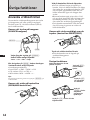
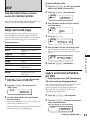
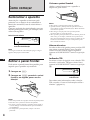
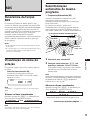
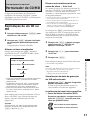
The Alternative Frequencies (AF) function
automatically selects and re-tunes the station
with the strongest signal in a network. By
using this function, you can continuously
listen to the same programme during a longdistance drive without having to re-tune the
station manually.
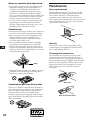
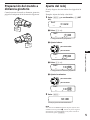
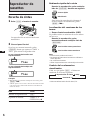
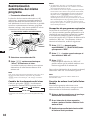
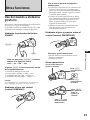
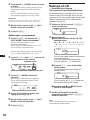
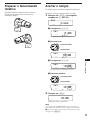
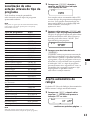
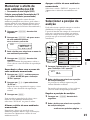
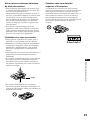
Frequencies change automatically.
98.5MHz
Notes
• Depending on the country or region, not all of the RDS
functions are available.
• RDS may not work properly if the signal strength is
weak or if the station you are tuned to is not
transmitting RDS data.
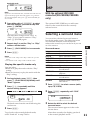
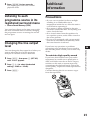
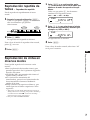
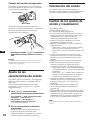
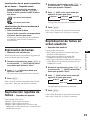
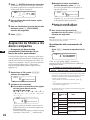
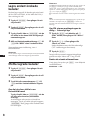
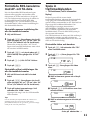
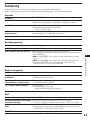
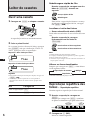
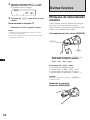
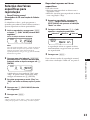
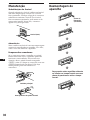
The name of the station currently received
lights up in the display.
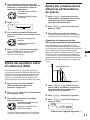
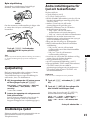
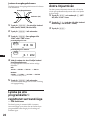
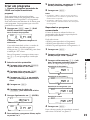
Select an FM station.
When you tune in an FM station that
transmits RDS data, the station name
appears in the display.
FM1
SUR EQ
BBC 1 FM
Note
The “*” indication means that an RDS station is being
received.
Station
102.5MHz
1
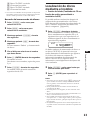
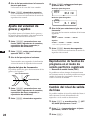
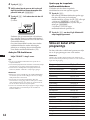
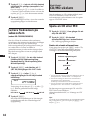
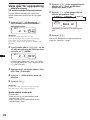
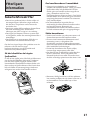
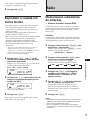
Select an FM station.
2
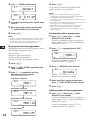
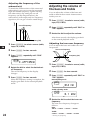
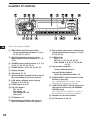
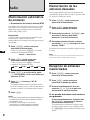
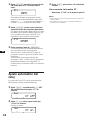
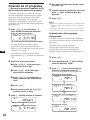
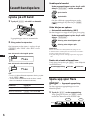
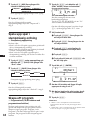
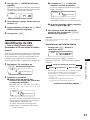
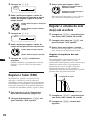
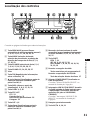
Press (AF/TA) repeatedly until “AF on”
appears.
The unit starts searching for an alternative
station with a stronger signal in the same
network.
EN
Radio/RDS
Displaying the station
name
96.0MHz
Note
When there is no alternative station in the area and you do
not need to search for an alternative station, turn the AF
function off by pressing (AF/TA) repeatedly until “AF TA
off” appears.
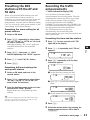
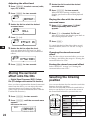
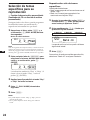
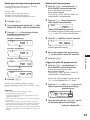
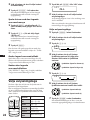
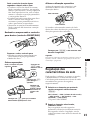
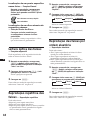
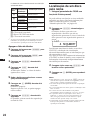
Changing the displayed item
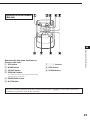
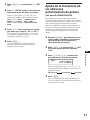
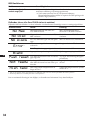
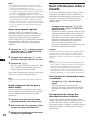
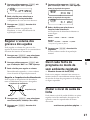
Each time you press (AF/TA), the item changes
as follows:
” AF on
” TA on
” AF TA on*
AF TA off “
* Select this to turn on both the AF and TA functions.
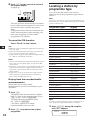
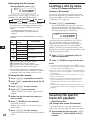
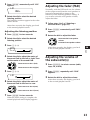
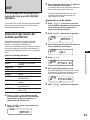
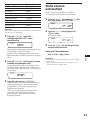
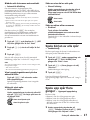
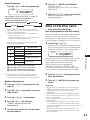
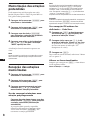
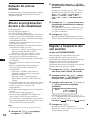
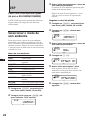
Changing the displayed item
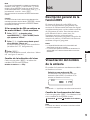
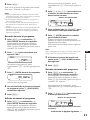
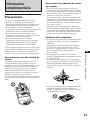
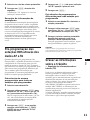
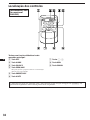
Each time you press (DSPL), the item changes
as follows:
” Frequency
” Clock
” Station name
Note
“NO Name” appears if the received station does not
transmit RDS data.
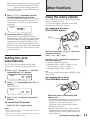
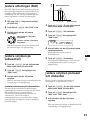
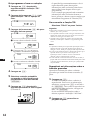
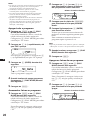
Notes
• “NO AF” and the station name flash alternately, if the
unit cannot find an alternative station in the network.
• If the station name starts flashing after selecting a
station with the AF function on, this indicates that no
alternative frequency is available. Press (SEEK/AMS)
while the station name is flashing (within eight seconds).
The unit starts searching for another frequency with the
same PI (Programme Identification) data (“PI seek”
appears and no sound is heard). If the unit cannot find
another frequency, “NO PI” appears, and the unit
returns to the originally selected frequency.
9