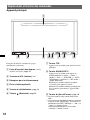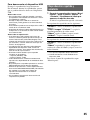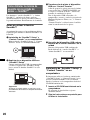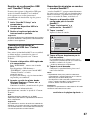
1
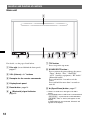
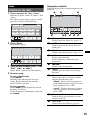
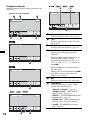
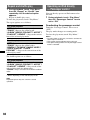
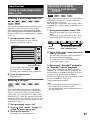
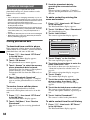
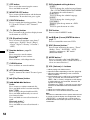
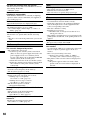
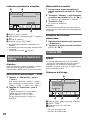
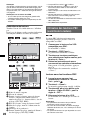
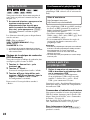
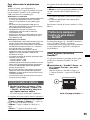
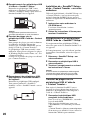
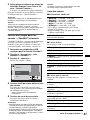
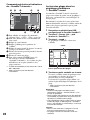
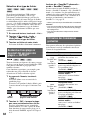
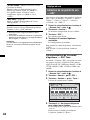
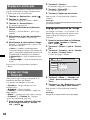
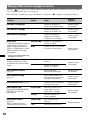
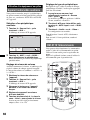
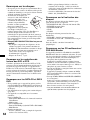
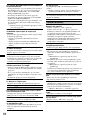
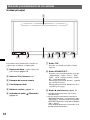
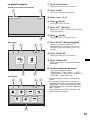
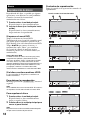
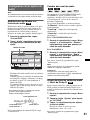
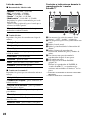
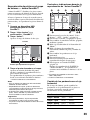
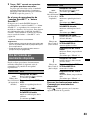
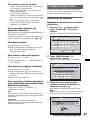
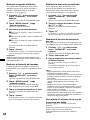
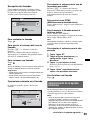
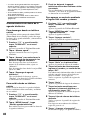
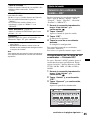
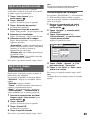
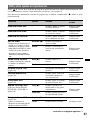
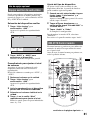
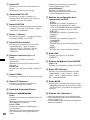
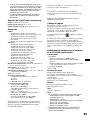
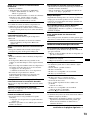
A “Source List” key
Touch to open the source list.
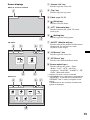
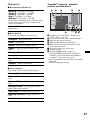
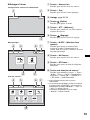
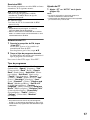
Screen displays
When no source is selected:
1
2
Source List
Top
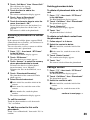
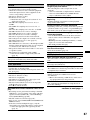
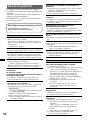
B “Top” key
Touch to open the top menu.
C Clock page 53, 56
D
(Close) key
Touch to close the menu.
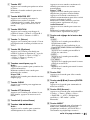
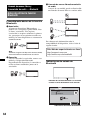
E “ATT” (Attenuate) key*1
Touch to attenuate the sound. To cancel,
touch again.
10:00 AM
F
3
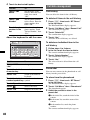
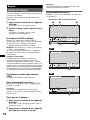
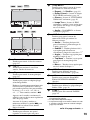
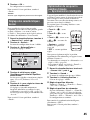
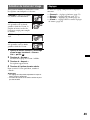
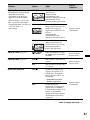
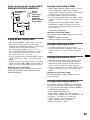
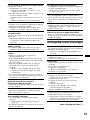
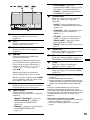
Top menu:
4
5
6 7
ATT
M.OFF
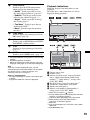
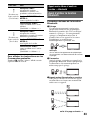
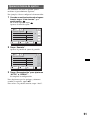
(Setting) key
Touch to open the setting menu.
G “M.OFF” (Monitor off) key
Touch to turn off the monitor and the button
illumination. To turn back on, touch
anywhere on the display.
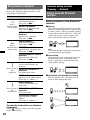
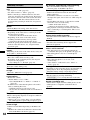
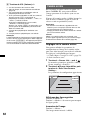
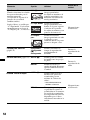
H “AV Source” key
Touch to open the source list.
I “BT Phone” key
Touch to enter Bluetooth Phone mode.
AV Source
BT Phone
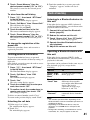
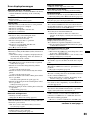
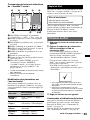
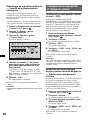
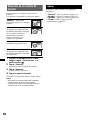
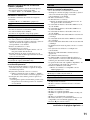
J Source select keys*2
Touch to change the source: “Tuner”
(Radio), “Disc,” “AUX” (Auxiliary
equipment), “iPod/USB,” “SensMe™,” “BT
Audio” (Bluetooth Audio).
8
9
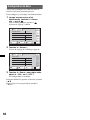
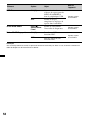
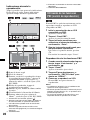
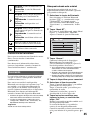
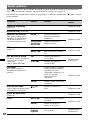
Source list:
4
5
6 2
ATT
Tuner
Top
Disc
SensMe™
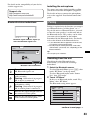
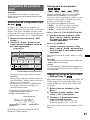
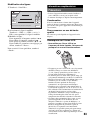
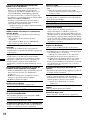
*1 Appears only when a source is selected.
*2 If an HD Radio tuner or SAT tuner is connected and
(SOURCE/OFF) is pressed, the connected device
(“HD Radio,” “XM,” or “Sirius”) will appear on the
display.
If multiple devices are connected, “External” will
appear on the display.
AUX
BT Audio
iPod/USB
External
0
13