1
Using Peripheral Devices >
Using the Noise Canceling Headphones
n 105 N
Connecting the Noise Canceling Headphones
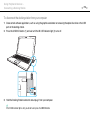
To connect the noise canceling headphones
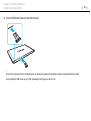
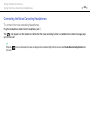
Plug the headphones cable into the headphones jack i.
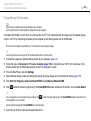
The
icon appears on the taskbar to indicate that the noise canceling function is enabled and a balloon message pops
up from the icon.
✍
When the
the menu.
icon is on the taskbar, the noise canceling function is disabled. Right-click the icon and select Enable Noise Canceling Function from