1
n 135 N
Troubleshooting
Optical Discs
Why does my computer freeze when I try to read a disc?
The disc that your computer is trying to read may be dirty or damaged. Follow these steps:
1
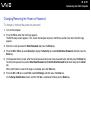
Restart the computer by clicking Start, the arrow next to the Lock button, and Restart.
2
Eject the disc from the optical disc drive.
3
Examine the disc for dirt or damage. If the disc is dirty, see On Handling Discs (page 114) for instructions on how to
clean it.
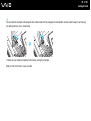
What should I do if the disc does not slide out?
❑ Make sure your computer is on.
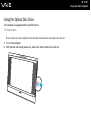
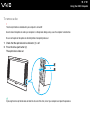
❑ Press the drive eject button.
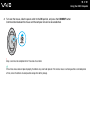
❑ If the drive eject button does not work, click Start and Computer. Right-click the optical disc drive icon, and select Eject
from the shortcut menu.
❑ Try restarting your computer.