1
Getting Started >
Using the Battery Pack
n 22 N
Charging the Battery Pack
The battery pack supplied with your computer is not fully charged at the time of delivery.
To charge the battery pack
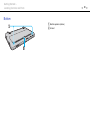
1
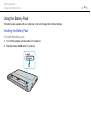
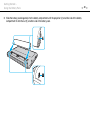
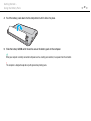
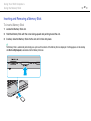
Install the battery pack.
2
Connect the computer to a power source with the AC adapter.
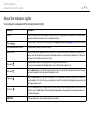
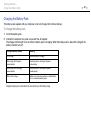
The charge indicator light turns on while the battery pack is charging. When the battery pack is about 85% charged, the
battery indicator turns off.
Charge indicator status
Meaning
Lit in orange
The battery pack is charging.
Blinks along with the green
power indicator
The battery pack is running out of power.
(Normal mode)
Blinks along with the orange
power indicator
The battery pack is running out of power.
(Standby mode)
Blinks fast in orange
A battery error has occurred due to a failed battery
pack or an unlocked battery pack.
!
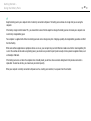
Charge the battery pack as described in this manual from your first battery charge.