1
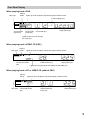
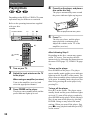
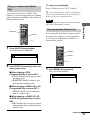
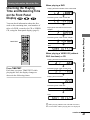
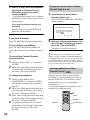
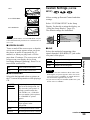
Control Bar
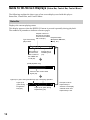
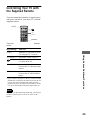
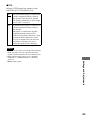
The Control Bar appears when a playback function is selected by pressing the function’s button
on the remote.
Playback function icon.
Lights up in green
when a playback
function is selected.
2(7)
Selected item or unit.
Example of when
(angle) is pressed
on the remote.
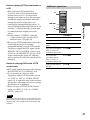
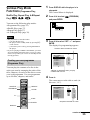
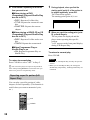
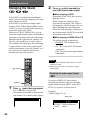
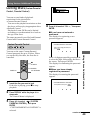
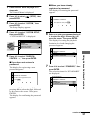
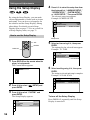
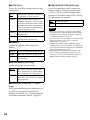
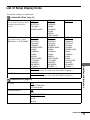
Control Menu
The Control Menu appears when the DISPLAY button is pressed when the player is in stop mode.
The number in parenthesis indicate reference pages.
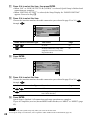
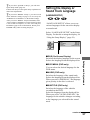
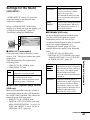
SETUP (56)
• Select QUICK to make the minimum number of basic
adjustments to use the player.
• Select CUSTOM to make a full range of adjustments.
• Select RESET to return the adjustments to the default settings.
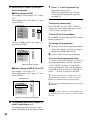
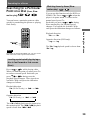
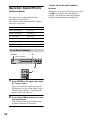
QUICK
Lights up in green during
Programme Play.
CUSTOM
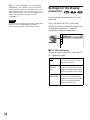
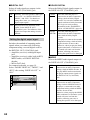
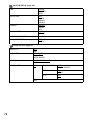
PARENTAL CONTROL
(49)
• Set this to limit the
playback of selected
discs.
PROGRAM (35)
• Allows you to play titles, chapters or
tracks in any order you want.
13