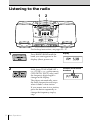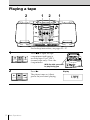
1
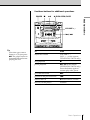
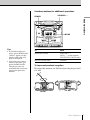
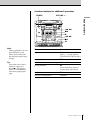
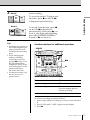
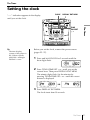
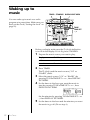
Use these buttons for additional operations
POWER
p
^
6 PUSH OPEN/CLOSE
=, +
Tip
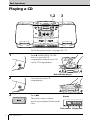
Next time you want to
listen to a CD, just press
^. The player turns on
automatically and starts
playing the CD.
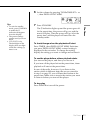
To
Press
adjust the volume
VOLUME +, –
(VOL +, – on the remote,
CFD-ZW750/ZW770 only)
stop playback
p
pause playback
^ ( P on the remote,
CFD-ZW750/ZW770 only)
Press the button again to
resume play after pause.
go to the next track
+
go back to the previous track
=
remove the CD
6 PUSH OPEN/CLOSE
turn on/off the player
POWER
Basic Operations
Basic Operations
VOLUME +, –
5