1
1
2
3
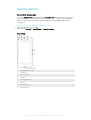
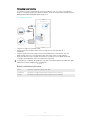
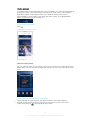
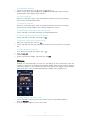
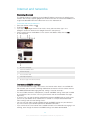
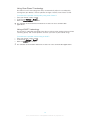
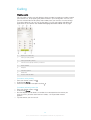
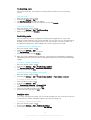
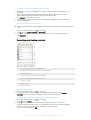
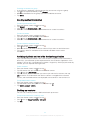
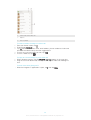
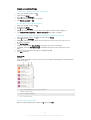
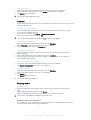
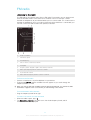
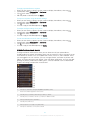
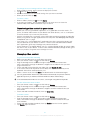
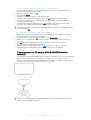
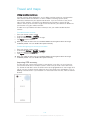
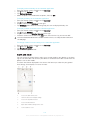
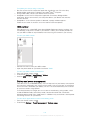
To share and "Like" a song on Facebook™
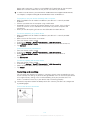
While the song is playing in the Walkman® application, tap the album art.
Tap to show that you "Like" the song on Facebook™. If desired, add a
comment in the comments field.
Tap Share to send the song to Facebook™. If the song is received successfully,
you will get a confirmation message from Facebook™.
1
2
3
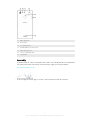
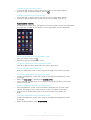
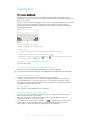
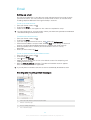
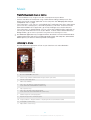
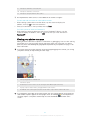
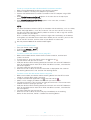
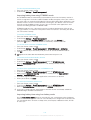
To manage music from your friends on Facebook™
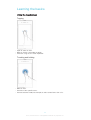
Open the Walkman® homescreen menu, then tap Friends' music > Recent.
Tap an item that you want to work on.
Manage the item as desired. For example, to "Like" the song, tap . To comment
on the song, add a comment in the comments field.
1
2
To view music that you shared on Facebook™
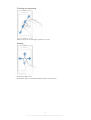
Open the Walkman® homescreen menu, then tap Friends' music > My shares.
Scroll to an item that you want to open, then tap it. All comments that you posted
on Facebook™ about the item, if any, are displayed.
Enhancing the sound
1
2
3
1
2
3
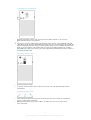
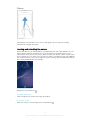
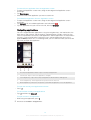
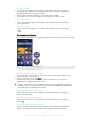
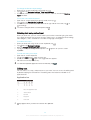
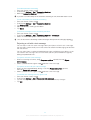
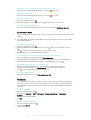
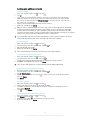
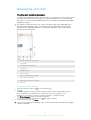
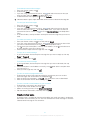
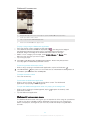
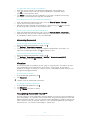
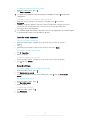
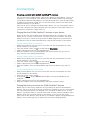
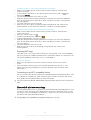
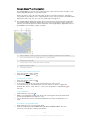
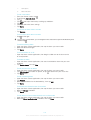
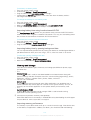
To improve the sound quality using the equalizer
When the Walkman® application is open, tap .
Tap Settings > Sound enhancements.
To adjust the sound manually, drag the frequency band buttons up or down. To
and select a style.
adjust the sound automatically, tap
To turn on the Surround sound feature
When the Walkman® application is open, tap .
Tap Settings > Sound enhancements > Settings > Surround sound (VPT).
Select a setting, then tap OK to confirm.
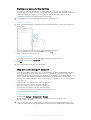
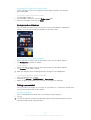
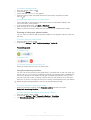
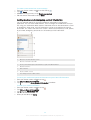
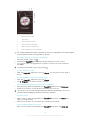
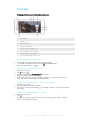
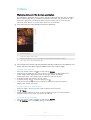
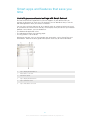
Visualizer
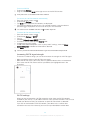
The Visualizer adds visual effects to your songs as you play them. The effects for each
song are based on the characteristics of the music. They change, for example, in
response to changes in the music’s volume, rhythm, and frequency level. You can also
change the background theme.
1
2
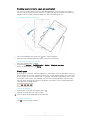
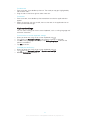
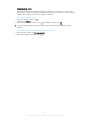
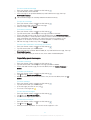
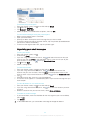
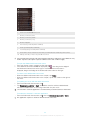
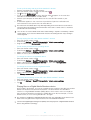
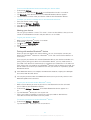
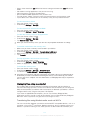
To turn on the Visualizer
In the Walkman® application, tap .
Tap Visualizer.
Tap the screen to switch to full-screen view.
1
2
3
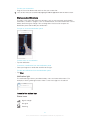
To change the background theme
In the Walkman® application, tap .
Tap Visualizer.
Tap > Theme and select a theme.
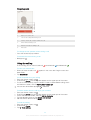
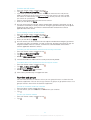
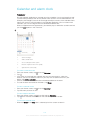
Recognizing music with TrackID™
Use the TrackID™ music recognition service to identify a music track you hear playing in
your surroundings. Just record a short sample of the song and you’ll get artist, title, and
album info within seconds. You can purchase tracks identified by TrackID™ and you can
view TrackID™ charts to see what TrackID™ users around the globe are searching for.
For best results, use TrackID™ technology in a quiet area.
68
This is an Internet version of this publication. © Print only for private use.