1
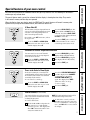
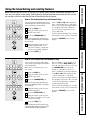
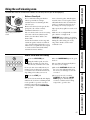
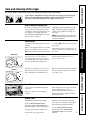
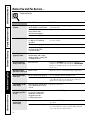
The oven door must be closed and all controls set correctly for the cycle to work properly.
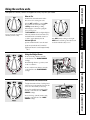
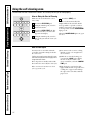
How to Delay the Start of Cleaning
Make sure the clock shows the correct
time of day.
Touch the SELF CLEAN pad.
Using the number pads, enter the
desired clean time.
Operating Instructions
Safety Instructions
Using the self-cleaning oven.
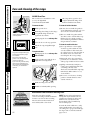
Touch the DELAY START pad. The
earliest start time you can set will
appear in the display.
Using the number pads, enter the
time of day you want the clean cycle
to start.
Touch the START pad.
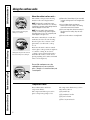
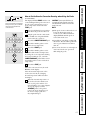
The door locks automatically. The
display will show the start time. It will
not be possible to open the oven door
until the temperature drops below the
lock temperature and the LOCKED DOOR
light goes off.
When the LOCKED DOOR light is off, open
the door.
Care and Cleaning
After a Clean Cycle
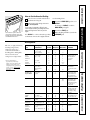
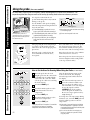
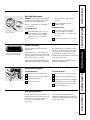
You may notice some white ash in the
oven. Wipe it up with a damp cloth after
the oven cools.
■ You cannot set the oven for cooking
until the oven is cool enough for the
door to unlock.
If white spots remain, remove them with a soapfilled steel wool pad and rinse thoroughly with a
vinegar and water mixture.
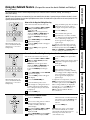
■ While the oven is self-cleaning, you
can touch the CLOCK pad to display
the time of day. To return to the
clean countdown, touch the COOKING
TIME pad.
These deposits are usually a salt residue
that cannot be removed by the clean cycle.
Customer Service
Troubleshooting Tips
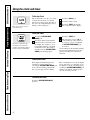
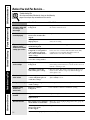
If the oven is not clean after one clean
cycle, repeat the cycle.
26
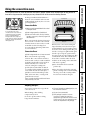
■ If the shelves become hard to slide,
apply a small amount of vegetable oil or
cooking oil to a paper towel and wipe
the edges of the oven shelves with the
paper towel.