1
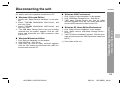
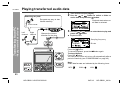
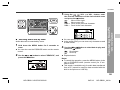
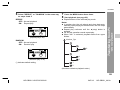
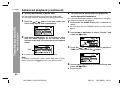
Disconnecting the unit
HR-GB201
For details, refer to the operation manual for the PC.
" Windows 2000 Professional
" Windows 98 Second Edition
1
2
3
3
4
" Windows Millennium Edition
1
2
3
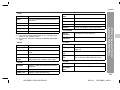
Click "Remove Hardware" on the taskbar.
Click "USB Disk - Stop Drive".
"USB Disk can now be safely removed" appears.
Click the "OK" button and disconnect the USB connection cable from the PC.
Click "Unplug or eject hardware" on the taskbar.
Click "USB Mass Storage Device - Stop Drive".
"USB Mass Storage Device can now be safely
removed" appears. Click the "OK" button and disconnect the USB connection cable from the PC.
" Windows XP Home Edition/Professional
1
2
3
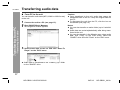
Click "Safely Remove Hardware" on the taskbar.
Click "Safely remove USB Mass Storage Device Drive(*:)".
"Safe To Remove Hardware" appears. Click the message and disconnect the USB connection cable from
the PC.
(*) Drive letter of this unit
8
10
-Disconnecting the unit-
2
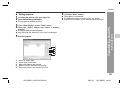
Double click "Safely Remove hardware" on the taskbar.
Select "TOSHIBA MK2004GAL USB Device", and
then click "Stop".
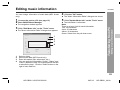
Select "TOSHIBA MK2004GAL USB Device", and
then click "OK".
"The USB Mass Storage Device can now be safely
removed from the system" appears. Click the "OK"
button and disconnect the USB connection cable
from the PC.
Transferring from PC
1
2-6
14
30
34
38
44
14
HR-GB201 9JCG5230100042
04/5/18
HR-GB201_UK.fm