1
Organiser
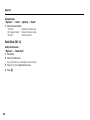
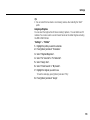
To Delete a Recorded Item
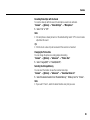
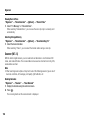
1. In the total view, select the desired item.
2. Press [Options] and select “Delete Item”.
The selected item is deleted from the list.
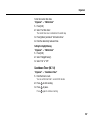
To Delete All Items
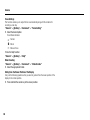
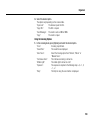
1. In the total view, select the desired item.
2. Press [Options] and select “Delete All”.
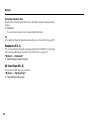
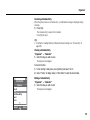
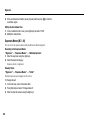
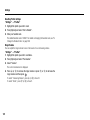
Editing the Category Name
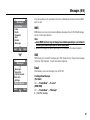
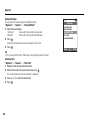
“Organiser” → “Expenses Memo” → “Edit Category”
1. Select the desired category name.
2. Modify the name.
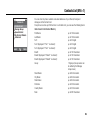
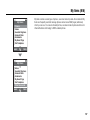
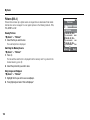
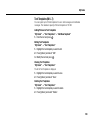
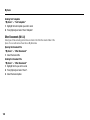
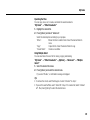
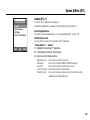
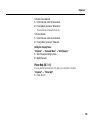
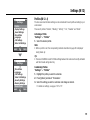
Phone Help (M 7-11)
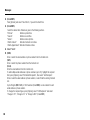
You can view the help list and use it to guide you in the phone’s functions.
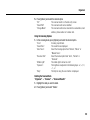
“Organiser” → “Phone Help”
1. Press a or b.
169