1
00779D SCD6050 UK+ESP (08-59)
7/8/04 9:17 AM
Page 9
ESPAÑOL
ENGLISH
Start
Inicio
Quick Start
Inicio rápido
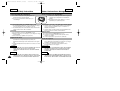
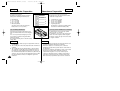
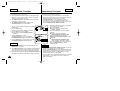
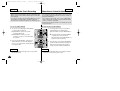
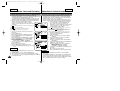
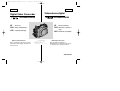
✤ This device is a Camcorder and a Digital Still Camera in one
system and provides a variety of functions. Please read this
manual in its entirety.
✤ Before using the device, install the accessories in the following
order:
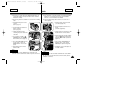
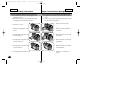
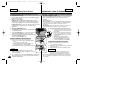
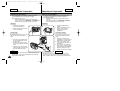
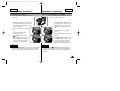
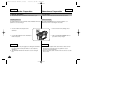
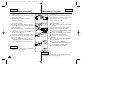
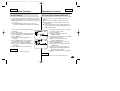
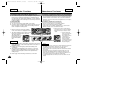
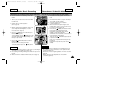
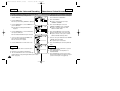
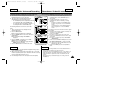
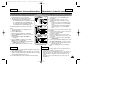
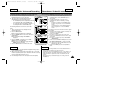
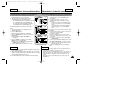
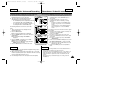
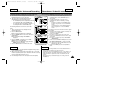
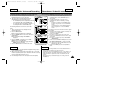
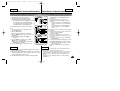
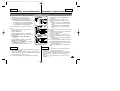
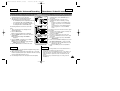
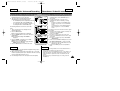
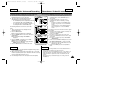
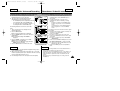
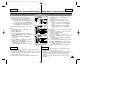
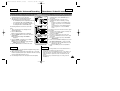
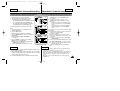
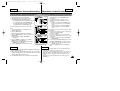
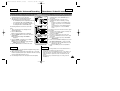
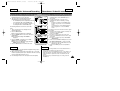
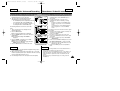
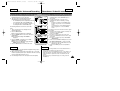
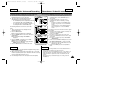
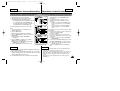
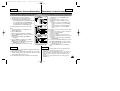
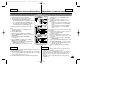
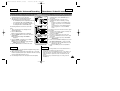
1. Install the battery pack. Insert a
cassette
(refer to page 47).
✤ Este dispositivo es una videocámara y una cámara fotográfica
digital en un solo sistema y proporciona una variedad de
funciones. Lea este manual en su totalidad.
✤ Antes de utilizar el dispositivo, instale los accesorios en el
orden siguiente:
1
2
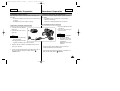
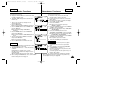
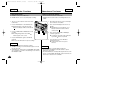
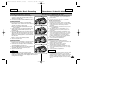
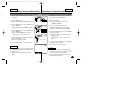
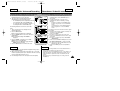
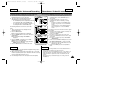
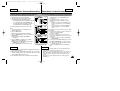
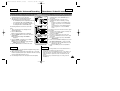
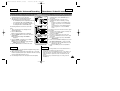
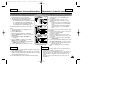
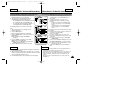
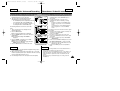
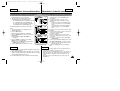
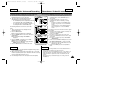
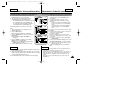
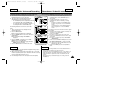
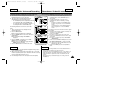
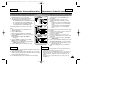
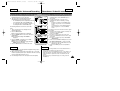
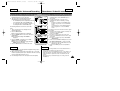
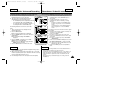
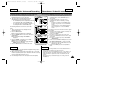
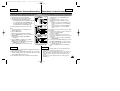
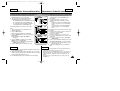
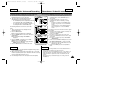
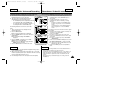
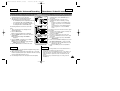
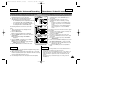
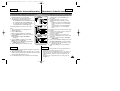
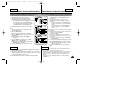
2. Inserte la tarjeta de memoria en su
ranura
(consulte la página 83).
2. Insert the Memory Card into the
memory card slot
(refer to page 83).
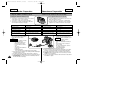
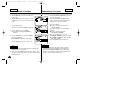
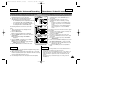
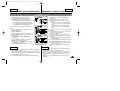
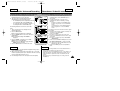
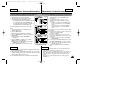
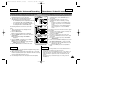
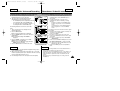
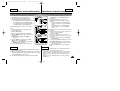
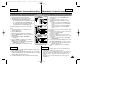
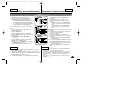
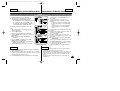
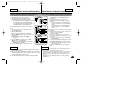
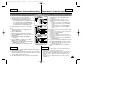
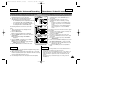
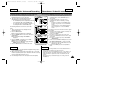
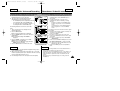
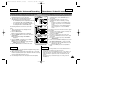
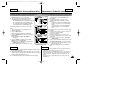
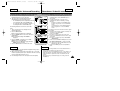
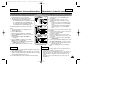
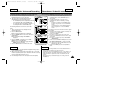
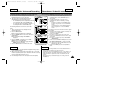
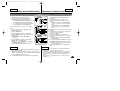
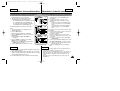
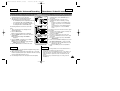
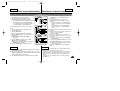
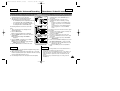
3. Cargue la batería conectando el cable
de alimentación a la videocámara.
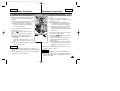
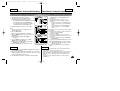
3. Charge the battery pack by
connecting the power cable to the
camcorder.
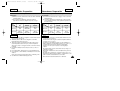
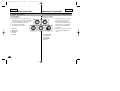
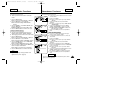
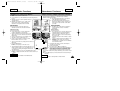
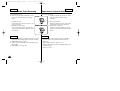
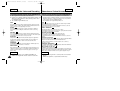
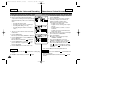
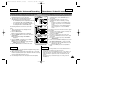
4. Set your device to REC or
(CAMERA) mode by setting the
Power Switch (refer to page 31).
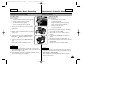
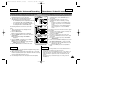
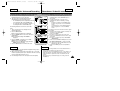
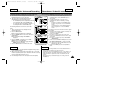
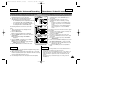
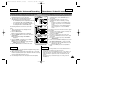
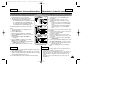
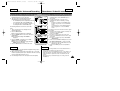
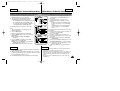
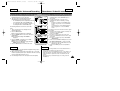
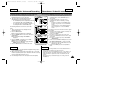
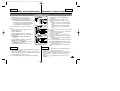
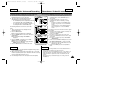
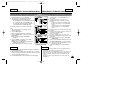
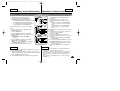
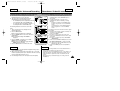
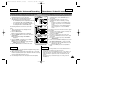
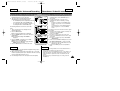
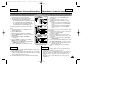
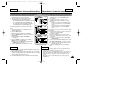
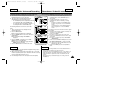
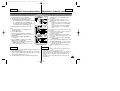
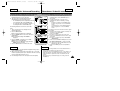
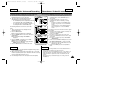
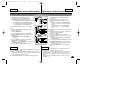
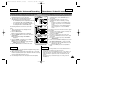
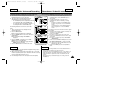
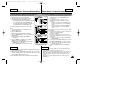
5. Press the START/STOP button to
record a video, or press the
PHOTO button to record a still
picture.
6. When finished, set the Power
Switch to OFF.
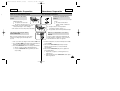
1. Instale la batería. Inserte una cinta
(consulte la página 47).
3
4. Ajuste el dispositivo en el Modo REC
o en modo (Cámara) ajustando el
interruptor de encendido (consulte la
página 31).
4
5. Pulse el botón START/STOP para
grabar un vídeo o pulse el botón
PHOTO para captar una fotografía.
PHOTO
PHOTO
PHOTO
PHOTO
START/STOP
START/STOP
START/STOP
5
6. Al terminar, coloque el interruptor de
encendido en OFF.
6
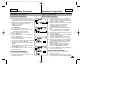
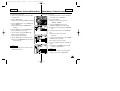
Note
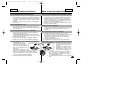
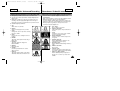
✤ To connect DC Power In / Multi-AV / DV / USB cable to the
camcorder, open the LCD monitor and then open the Jack Cover.
Nota
✤ Para conectar el cable de entrada de alimentación de CC / MultiAV / DV / USB a la videocámara, abra el monitor LCD y abra la
cubierta de conexiones.
9