1
be searched and results matching your criteria will
be listed.
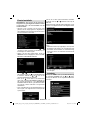
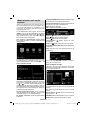
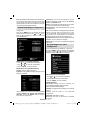
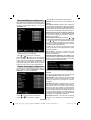
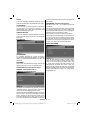
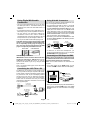
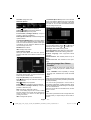
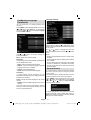
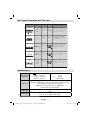
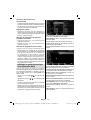
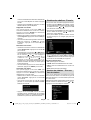
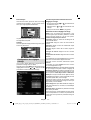
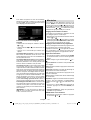
(Now) : Shows the current programme.
First Time Installation
IMPORTANT: Ensure that the aerial is connected
before switching on the TV for the first time
installation.
Red button (Prev Time Slice): Displays the
programmes of previous time slice.
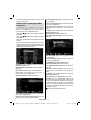
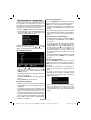
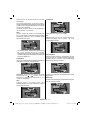
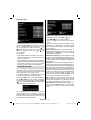
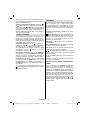
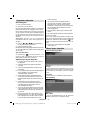
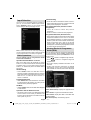
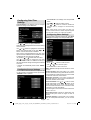
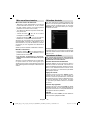
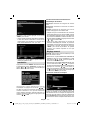
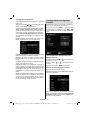
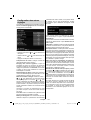
• When the TV is operated for the first time, installation
wizard will guide you through the process. First,
language selection screen will be displayed:
Green button (Next Time Slice): Displays the
programmes of the next time slice.
Yellow button (Prev Day): Displays the programmes
of previous day.
Blue button (Next day): Displays the programmes
of the next day.
Numeric buttons (Jump): Jumps to the preferred
channel directly via numeric buttons.
OK (Options): Displays programme options including
“Select Channel” option.
Text button (Filter): Views filtering options.
INFO (Details): Displays the programmes in detail.
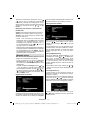
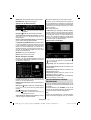
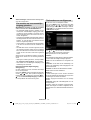
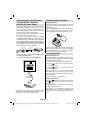
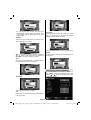
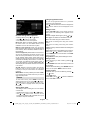
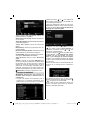
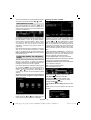
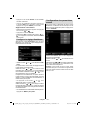
Red button (Prev Day): Displays the programmes
of previous day.
Green button (Next day): Displays the programmes
of the next day.
Yellow button (Zoom): Expands programme
information.
Blue button (Filter): Views filtering options.
INFO (Details): Displays the programmes in detail.
Numeric buttons (Jump): Jumps to the preferred
channel directly via numeric buttons.
OK (Options): Displays programme options including
“Select Channel” option.
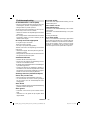
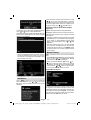
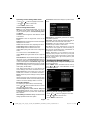
• Use “ ” or “ ” buttons to select your language
and press OK button to set selected language and
continue.
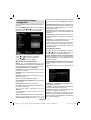
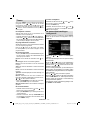
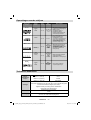
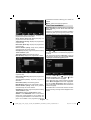
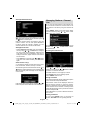
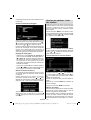
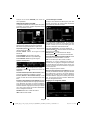
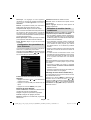
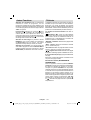
• After selecting the language, “Welcome!” screen will
be displayed, requiring you to set Country,Teletext
Language and Scan Encrypted options.
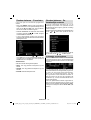
• By pressing “ ” or “ ” button, select the country
you want to set and press “ ” button to highlight
Teletext Language option. Use “ ” or “ ” button
to select desired Teletext Language.
• Press “ ” button after setting Teletext Language
option. Scan Encrypted will be then highlighted.
You can set Scan Encrypted as Yes if you want to
scan coded stations.Afterwards select the desired
Teletext Language.
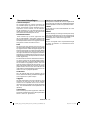
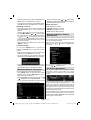
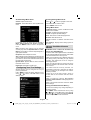
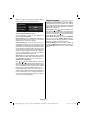
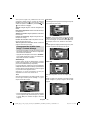
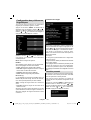
• Press OK button on the remote control to continue
and the following message will be displayed on the
screen:
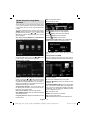
Text (Search): Displays “Guide Search” menu.
SUBTTL: Press SUBTITLE button to view Select
Genre menu. Using this feature, you can search the
programme guide database in accordance with the
genre. Info available in the programme guide will
English - 52 -
02_MB60_[GB]_(01-TV)_woypbpr_1900UK_IDTV_BRONZE17_22970WLED_10074322_50193845.indd 52
28.06.2011 15:35:59