1
VC-412 User’s Manual
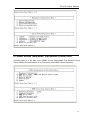
4.4 VDSL Unit Control
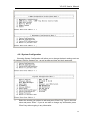
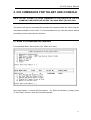
To monitor and issue commands to the VC-412:
Select option 3 - VDSL Unit Control from the Main menu.
4.4.1 Pass-Through ICD Command to Unit
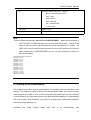
Option 1 will be discussed in “Using the ICD Command Interface” section. In the section,
you will learn how to access the command line interface (ICD command interface) of the
VC-412, and how to issue commands to the VC-412 via this interface.
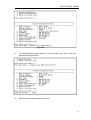
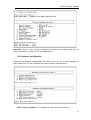
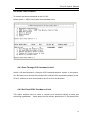
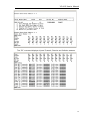
4.4.2 Set Each VDSL Port Name of Unit
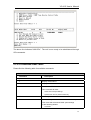
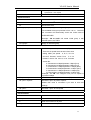
This option enables users to name or rename ports therefore offering a better port
monitoring organization.
When asking for unit number, please input “0” and press Enter.
26