1
English
English
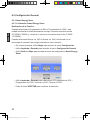
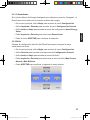
4.5 General Setting
4.5.1 Smart Energy Saver
4.5.1.1 Playing Smart Energy Saver
Function Explanation
When you select Scheduler 50% or Scheduler 100%, this unit will automatically
operate at low power consumption during nighttime (21:00PM~7:00AM), and will
resume normal during daytime (7:00AM ~21:00PM);
When you select Save 20% or Save 50%, it will operate at that indicated power
consumption rate full-time.
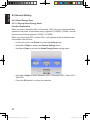
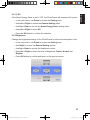
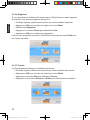
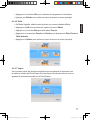
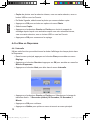
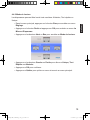
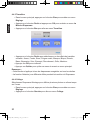
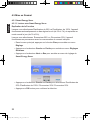
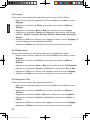
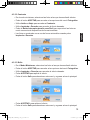
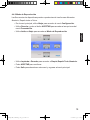
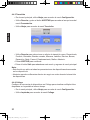
•In the main menu, use Down to access the Setting menu.
•Use Left or Right to access the General Setting menu.
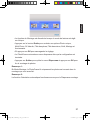
•Use Up or Down to access the Smart Energy Saver setting menu.
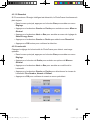
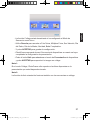
•Use Left or Right to select Scheduler 50% / Scheduler 100% / Save 20% /
Save 50%.
•Press the OK button to confirm the selection.
22
Philips Eros 8DN UM_0914_book.indb 22
2009/9/17 上午 09:13:38