1
PSS100/05_eng.qxd
30/6/05
16:53
Page 9
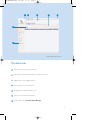
Music mode: playback
Once you have downloaded MP3/ WMA tracks from your computer
to the ShoqBox, you can access your music in 5 different ways on the
ShoqBox.
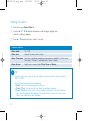
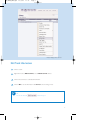
1 Press SOURCE and select MUSIC to enter the music mode.
2 Press 3 to scroll up or 4 to scroll down for your option.
Press 2 for next or 1 for previous levels of library.
3 Press 2; to play or pause your selection.
➯ TIP
0
Please install the included software(s) and read the instructions.
0
During playback of Albums, tracks are sorted according to track number
sequence. Any tracks assigned with the same number will then be further
sorted alphabetically.
0
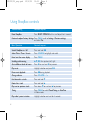
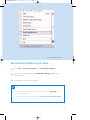
Select More Track Info in Settings ➔ [>] key shortcut. You can then press
2 from the playscreen to display track information e.g. track title, artist name,
codec (MP3 or WMA), bitrate, duration of track, album, genre.
9