1
14
9
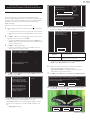
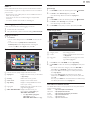
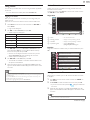
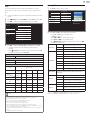
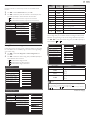
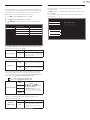
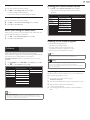
Press OK to finish Settings assistant.
Store your preferences.
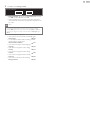
Cancel
Store
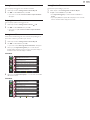
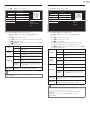
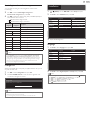
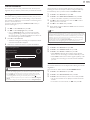
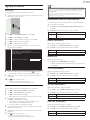
• Network updates will appear after Connection test succeeds.
Use ◄► to select Yes, then press OK.
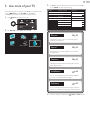
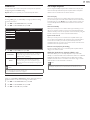
• When the initial setup is completed, the lowest memorized
channel with the confirmation message will be displayed on the
TV screen.
Note
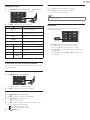
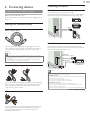
• If you are not receiving a signal from your cable service, contact the Cable provider.
• If you press during AutoProgram, this setup of TV channels will be canceled.
• The initial AutoProgram function can be executed for either Antenna or Cable only
once. When you change the connection (Antenna / Cable), set Autoprogram again.
➠ p.37
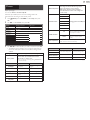
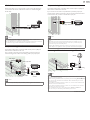
After an initial setup is completed...
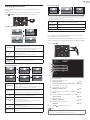
• If you want to scan the channels automatically again.
Autoprogram
➠ p.37
• You can add the desired cable and Analog channels
unmemorized by AutoProgram.
Weak channel installation
➠ p.37
• If you want to change to another language.
Language
➠ p.36
• If you want to change the country setting.
Country
➠ p.19
• If you want to change the location setting.
Location
➠ p.38
• If you want to change the network setting.
Network
➠ p.40
• If you want to restore the picture setting.
Settings assistant
➠ p.30
English