1
9.16
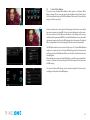
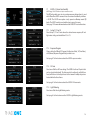
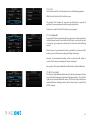
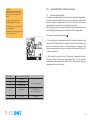
Custom Dial Modes C1, C2 or C3
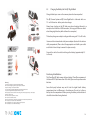
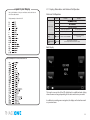
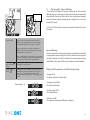
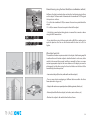
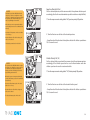
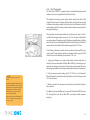
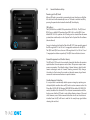
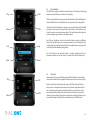
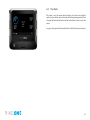
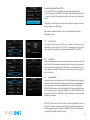
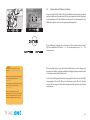
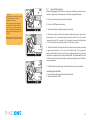
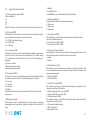
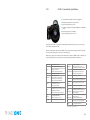
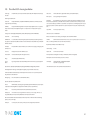
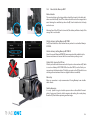
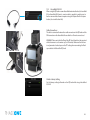
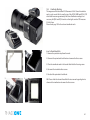
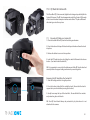
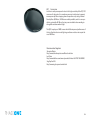
Mode dial options C1, C2 and C3 can be used to store preferred settings.
X
CF
Tv
C1
C2
C3
2
C2
3
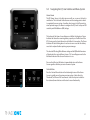
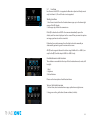
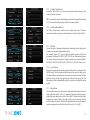
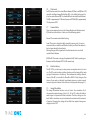
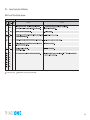
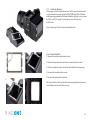
Programmable settings are exposure mode, P (program AE), Av (aperture
priority AE), Tv (shutter speed priority AE), X (synchro mode), M (manual
mode), focus area and spot metering.
P
C1
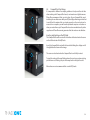
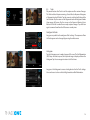
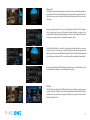
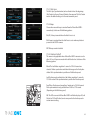
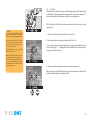
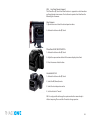
Programming the Custom Dial Modes C1, C2 or C3 via the camera body
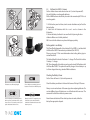
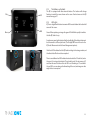
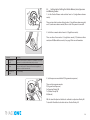
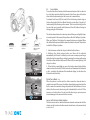
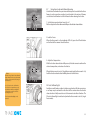
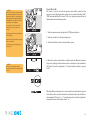
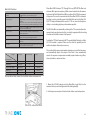
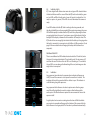
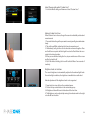
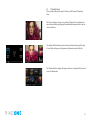
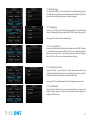
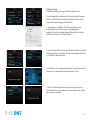
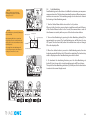
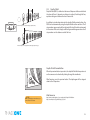
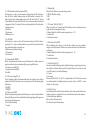
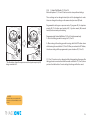
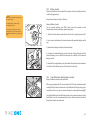
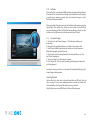
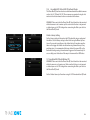
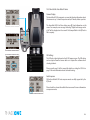
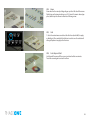
1. Go to the setting you wish to assign to C1, C2 or C3.
C2
P
Av
1
Av
X
M
Tv
M
CF
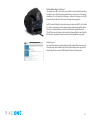
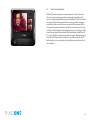
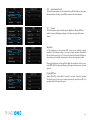
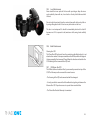
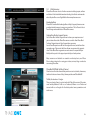
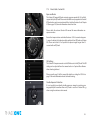
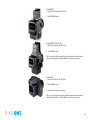
These settings can be changed instantly to suit the photographer's needs.
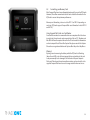
Users can change the settings on the camera body or via an IQ1 back.
4
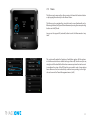
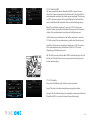
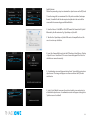
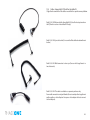
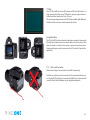
* The illustration shows the exposure mode Av (aperture priority AE)
being recorded to C2.
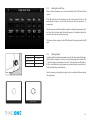
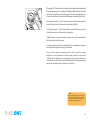
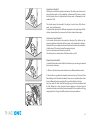
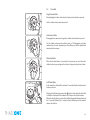
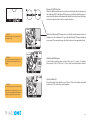
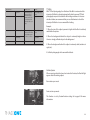
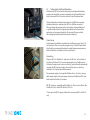
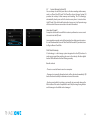
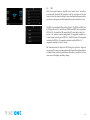
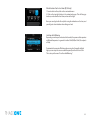
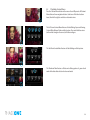
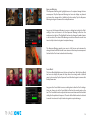
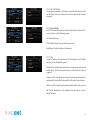
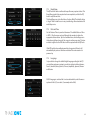
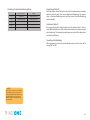
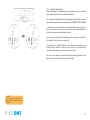
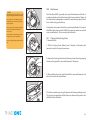
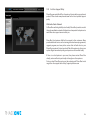
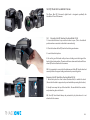
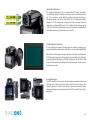
2. After arriving at the setting you wish to assign, hold the SET button down
while turning the mode dial to C1, C2 or C3. When you release the SET button,
the chosen setting will be programmed to your selection of C1, C2 or C3.
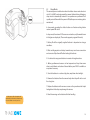
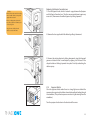
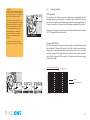
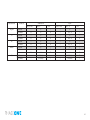
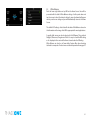
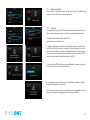
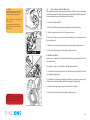
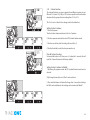
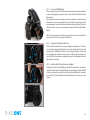
C1, C2 or C3 modes can be changed while photographing. However after
taking a photo in a mode other than the modes selected in C1, C2 or C3, when
you turn the dial back to a C mode setting the change will not be saved.
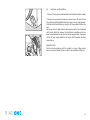
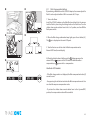
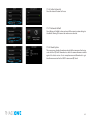
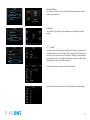
NOTICE:
Even when the power is switched off,
the mode recorded will still be saved to
C mode.
119