1
Option 61 (Reimage Field)
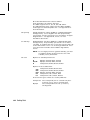
This option redraws (reimages) a constant field when you have a
constant field next to a variable field on your label. It can be
used on text, constant text, bar code, line, or box fields.
These printers do not redraw an area if the field data does not
change. When a field changes, that area is cleared and the new
field data is imaged. However, the new field data may require a
larger area than the previous field did. In some cases,
neighboring fields that do not change (constant fields) may be
covered with white space from the changing field’s (variable
fields) area. Use this option to reimage the constant field, or it
may appear broken.
The most common use for this option is with
incrementing fields on your label, because
they may cover a constant field.
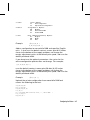
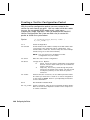
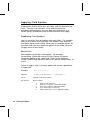
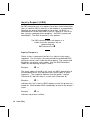
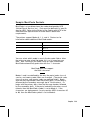
Syntax
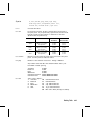
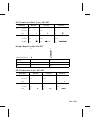
R,61 p
R1. R
Option Header.
R2. 61
Option 61.
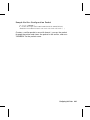
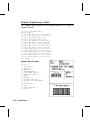
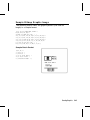
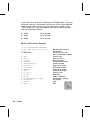
Example
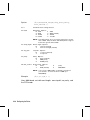
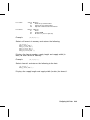
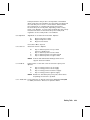
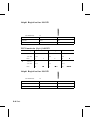
R,61 p
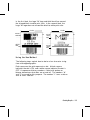
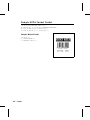
Reimages the constant field that appears next to a variable field.
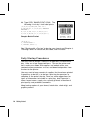
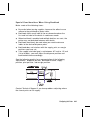
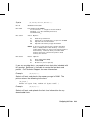
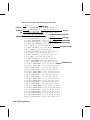
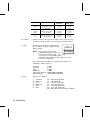
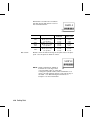
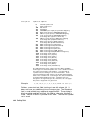
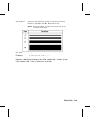
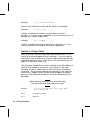
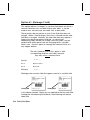
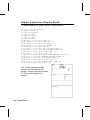
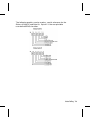
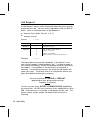
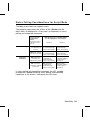
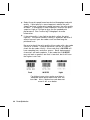
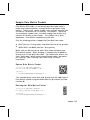
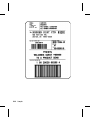
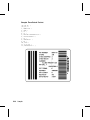
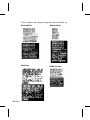
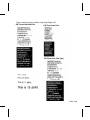
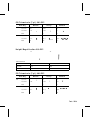
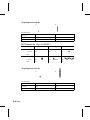
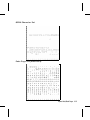
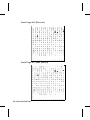
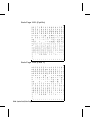
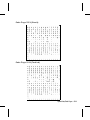
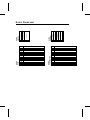
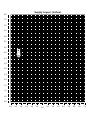
Re-Image ON
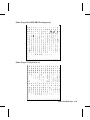
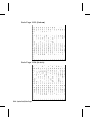
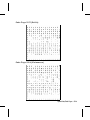
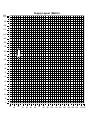
Re-Image OFF
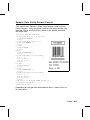
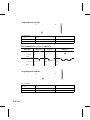
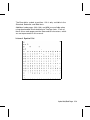
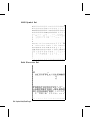
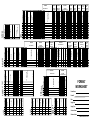
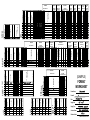
In the above example, Option 61 was applied to the bar code field
to keep the incrementing field (Box #) from blocking out the bar
code field.
4-16 Defining Field Options