1
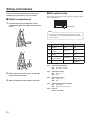
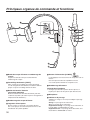
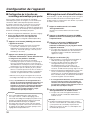
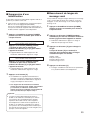
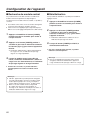
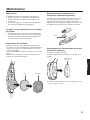
Major operating controls and their functions
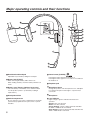
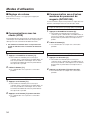
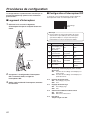
Head band and head pad
Adjustable to your head by sliding the head pad.
Battery lock [EJECT]
When removing the battery, slide out the lock.
When loading a battery, insert the battery until the lock
clicks.
Battery case / Battery (optional accessory)
Place the battery in the battery case, and then attach
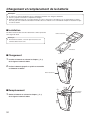
it to this product. (Refer to p. 10 “Battery loading &
replacement”.)
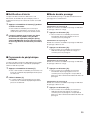
Power button [POWER]
Pressing the button will turn the headset on.
Pressing the button again for 2 seconds or more will turn
the headset off.
Earphone pad
Microphone boom
Change the position of the microphone boom, and adjust
it so that the microphone is brought to a position near
your mouth.
Head pad cushion
Microphone
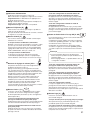
Switch compartment
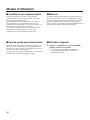
Lane indicator
Do not open the cover of this compartment. It should be
opened only by qualified service personnel or system
installers.
8
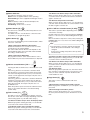
Lights orange or green to indicate which lane is in
operation.
Orange: Lane A is selected.
Green: Lane B is selected.
Orange blinking: Lane A is being selected, and either
the TALK or PAGE mode is activated.
Green blinking: Lane B is being selected, and either the
TALK or PAGE mode is activated.