1
Chapter 4 Adjustments and settings for recording
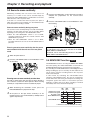
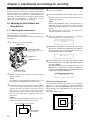
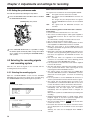
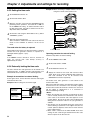
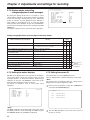
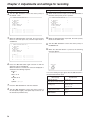
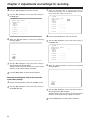
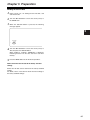
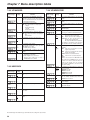
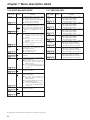
the JOG dial button to move the arrow (cursor) to
13 Turn
YES, and press the JOG dial button.
When the data saving is completed, the following
message appears.
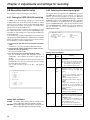
Loading the data of the selected file
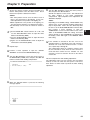
4
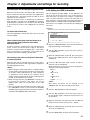
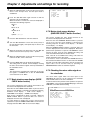
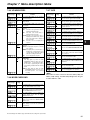
Turn the JOG dial button to move the arrow (cursor) to
the READ item.
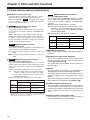
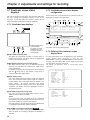
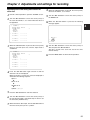
< CARD READ/WRITE >
#
R.SELECT
READ
W.SELECT
WRITE
CARD CONFIG
TITLE READ
TITLE:
1: ********
2: ********
3: ********
4: ********
WRITE OK
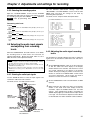
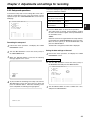
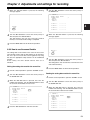
the MENU button to exit the menu operations.
14 Press
The setting menu is cleared, and the displays showing
5
:1
:1
4
5:
6:
7:
8:
********
********
********
********
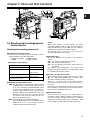
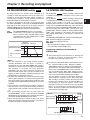
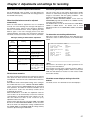
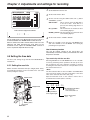
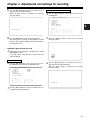
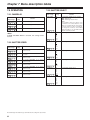
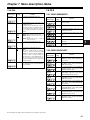
When the JOG dial button is pressed, the following
message appears.
the unit’s current statuses appear at the top and bottom of
the viewfinder screen.
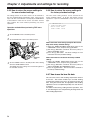
Loading the data saved on the card
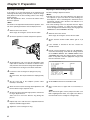
1
Perform the menu operations, and display the “CARD
READ/WRITE” screen.
If the data is given a title when it is saved, the title will
also be displayed.
#
READ?
YES
NO
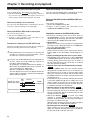
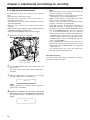
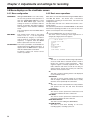
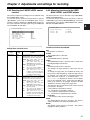
Selecting the file No
2
Turn the JOG dial button to move the arrow (cursor) to
the R.SELECT item and press the JOG dial button.
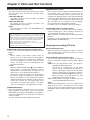
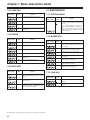
< CARD READ/WRITE >
#
R.SELECT
READ
W.SELECT
WRITE
CARD CONFIG
TITLE READ
TITLE:
1: ********
2: ********
3: ********
4: ********
3
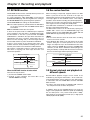
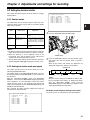
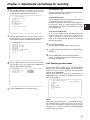
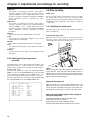
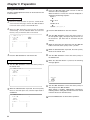
6
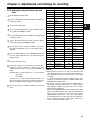
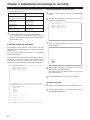
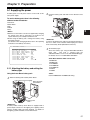
Turn the JOG dial button to move the arrow (cursor) to
YES, and press the JOG dial button.
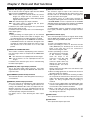
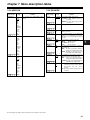
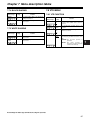
When the data loading is completed, the following
message appears.
1
1
5:
6:
7:
8:
********
********
********
********
READ OK
Turn the JOG dial button to select any number from 1 to
8, and press the JOG dial button.
51