1
CHAPTER 16
Customizing Your Handheld
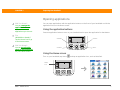
Preventing your handheld from turning on by accident
Tip
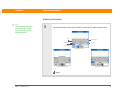
When Keylock is on, your
handheld does not
respond when you press
the application buttons.
To use your handheld
again, press the power
button and then tap
Deactivate Keylock.
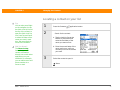
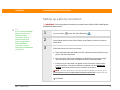
Does your handheld turn itself on accidentally in your briefcase, pocket, or purse? You can lock the
buttons on the front of your handheld so that you prevent this from happening and don’t drain the
battery.
0
1
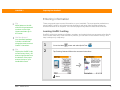
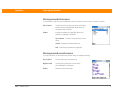
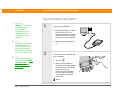
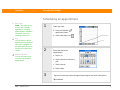
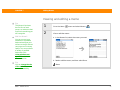
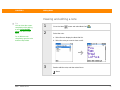
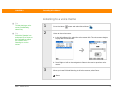
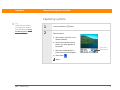
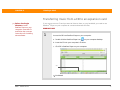
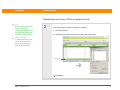
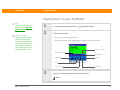
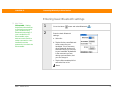
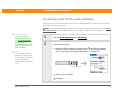
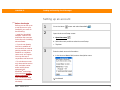
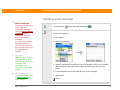
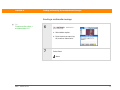
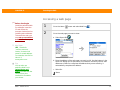
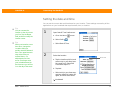
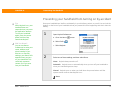
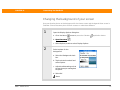
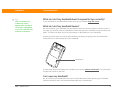
Open Keylock Preferences:
a. Go to the Home
b. Select Prefs
Did You Know?
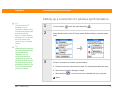
You can use Owner
Preferences to enter your
name, address, and
phone number. If you
also turn on Security
settings, your Owner info
appears when you turn
on your handheld. This
could help someone
contact you if you ever
lose your handheld.
screen.
.
c. Select Keylock.
2
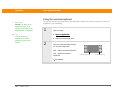
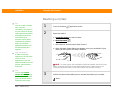
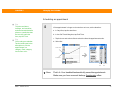
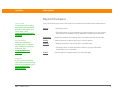
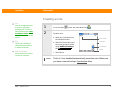
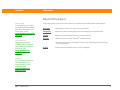
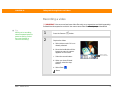
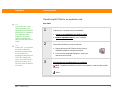
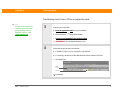
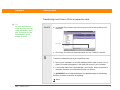
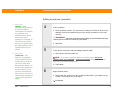
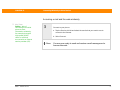
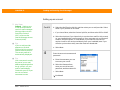
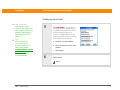
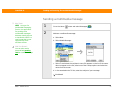
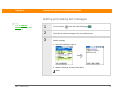
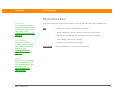
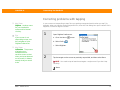
Select one of these settings, and then select Done.
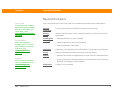
Never Keylock always remains off.
Automatic Keylock turns on automatically when you turn off your handheld or
when your handheld goes to sleep.
Manual Keylock turns on when you hold down the power button until the
system sound confirms that Keylock is on.
Done
Zire™ 72 Handheld
111