1
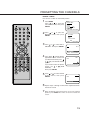
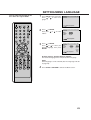
SETTING SETUP LANGUAGE
You can change the default settings
to customize performance to your
preference.
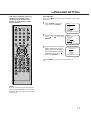
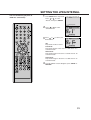
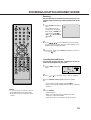
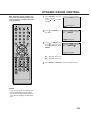
TV/DVD to select the
1 Press
DVD mode.
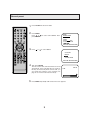
No Disc
“No Disc” will appear on the
screen. (If a DVD disc has
already loaded, the playback will start automatically.)
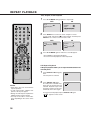
SETUP in the stop
2 Press
mode. The SETUP MENU
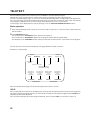
Language Picture Sound Parental Other
of DVD will appear on the
screen.
Then press
to select
Other.
/Enter/Setup/Return
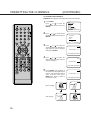
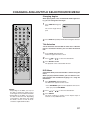
or ENTER to se3 Press
lect OSD Language.
Language Picture Sound Parental Other
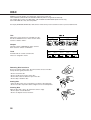
OSD Language English
/Enter/Setup/Return
or ENTER and
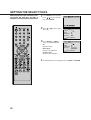
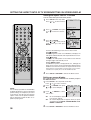
4 Press
then press
or
to
select desired language
(e.g. English), then press
ENTER.
Language Picture Sound Parental Other
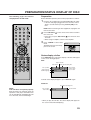
OSD Language English
English
Francais
Espanol
Deutsch
Italiano
/Enter/Setup/Return
5 Press SETUP or RETURN to remove the Menu screen.
NOTES:
• If the selected soundtrack language is
not recorded on the disc, the original
language will be heard.
• If the selected subtitle language is not
recorded on the disc, the first-priority
language is selected.
26