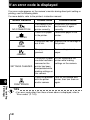
1
Printing pictures
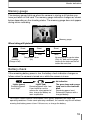
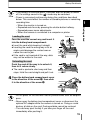
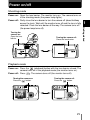
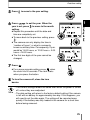
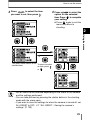
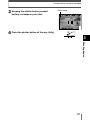
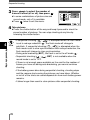
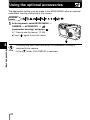
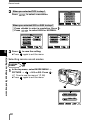
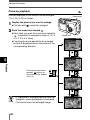
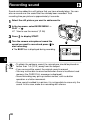
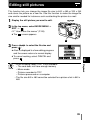
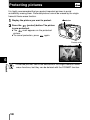
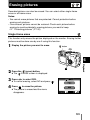
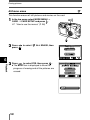
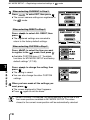
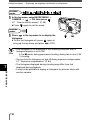
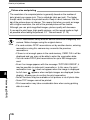
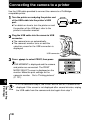
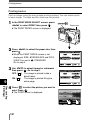
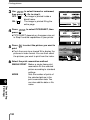
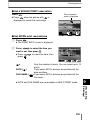
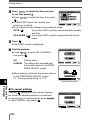
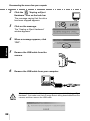
4 Print the pictures.
● Press
to select OK or CANCEL,
then press
.
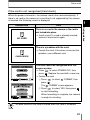
OK
Printing starts.
CANCEL The settings are canceled and
the monitor returns to the PRINT
MODE SELECT screen.
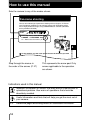
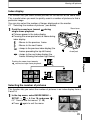
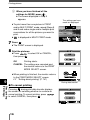
● When printing is finished, the monitor returns
to the PRINT MODE SELECT screen.
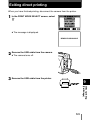
~ “Exiting direct printing” (P. 141)
PRINT
OK
CANCEL
CANCEL
GO
SELECT
TRANSFERRING
CANCEL
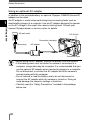
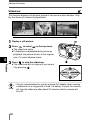
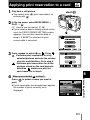
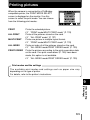
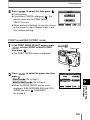
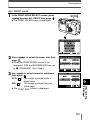
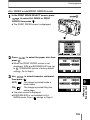
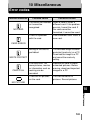
During data transfer
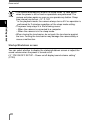
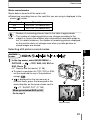
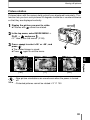
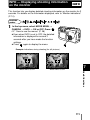
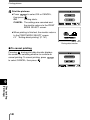
To cancel printing
Pressing
during print data transfer displays
the screen for selecting whether to continue or
cancel printing. To cancel printing, press
to select CANCEL, then press
.
9
Direct printing
(PictBridge)
140
PRINT
CONTINUE
CANCEL