1
Connectivity
3
4
83
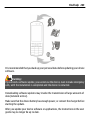
audio or video device
other device
To interrupt the search, select Stop.
Select the device with which you want to connect.
If the other device requires pairing before data can be transmitted, a tone
sounds, and you are asked to enter a passcode. The same passcode must be
entered in both devices.
When the connection is established, Sending data is displayed.
Tip: When searching for devices, some devices may show only the unique address
(device address). To find the unique address of your device, enter *#2820#.
Pair devices
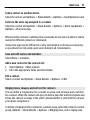
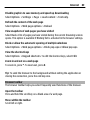
To pair with compatible devices and view your paired devices, in the main view of
Bluetooth connectivity, scroll right.
Before pairing, create your own passcode (1 to 16 digits) and agree with the owner
of the other device to use the same code. Devices that do not have a user interface
have a factory-set passcode. The passcode is used only once.
1
2
3
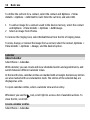
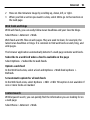
To pair with a device, select Options > New paired device. Devices that are
within range are displayed.
Select the device, and enter the passcode. The same passcode must be entered
on the other device as well.
Some audio enhancements connect automatically to your device after pairing.
Otherwise, scroll to the enhancement, and select Options > Connect to audio
device.
Paired devices are indicated by
in the device search.