1
Settings
33
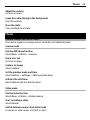
When needed — Establish a GPRS connection when needed by an application. The
connection is closed when the application is closed.
Always online — Automatically connect to a GPRS network when you switch the device
on.
You can use your device as a modem by connecting it to a compatible PC using Bluetooth
technology. For details, see the Nokia PC Suite documentation.
Call and phone
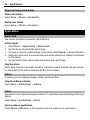
Select Menu > Settings > Call.
Divert incoming calls
Select Call forwarding (network service). For details, contact your service provider.
Automatically redial ten times after an unsuccessful attempt
Select Automatic redial > On.
Get a notification of incoming calls while you are on a call
Select Call waiting > Activate (network service).
Display or hide your number to the person you are calling
Select Send my caller ID (network service).
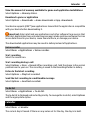
Select Menu > Settings > Phone.
Set the display language
Select Language settings > Phone language.
Accessories
This menu is only available if the device is or has been connected to a compatible
accessory.
Select Menu > Settings > Accessories. Select an accessory and an option, depending
on the accessory.
Hearing aid
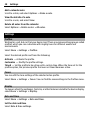
Optimize the sound quality when using a T-coil hearing aid
Select Hearing aid > T-coil hearing aid > On. indicates that T-coil hearing aid is
active.