1
153
Internet
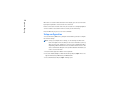
Password - Type in a password if required by the ISP. The password may be needed
to connect to the Internet, and is usually provided by the ISP. The password is
often case-sensitive.
Confirm password - Confirm your password by retyping it in this field.
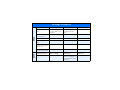
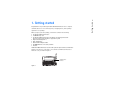
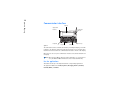
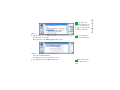
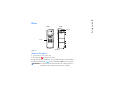
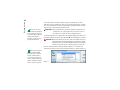
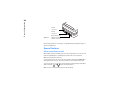
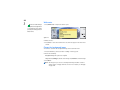
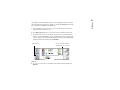
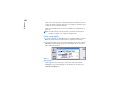
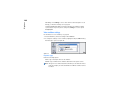
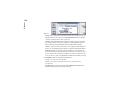
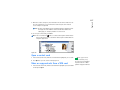
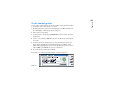
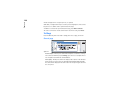
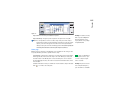
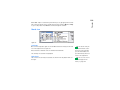
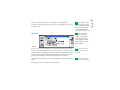
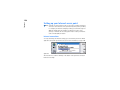
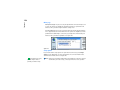
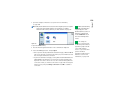
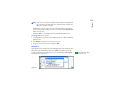
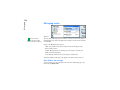
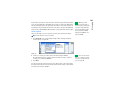
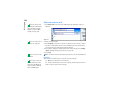
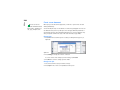
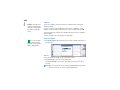
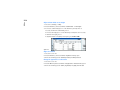
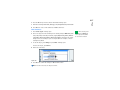
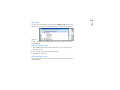
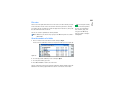
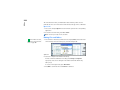
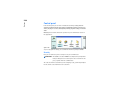
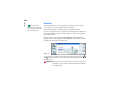
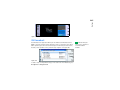
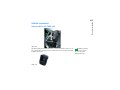
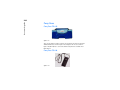
Press Advanced settings to define the Advanced settings of the connection. A dialog
with four pages opens. See Figure 62.
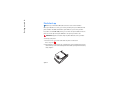
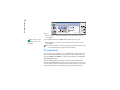
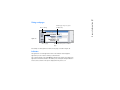
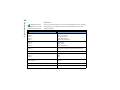
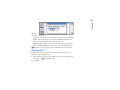
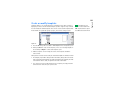
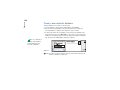
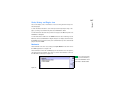
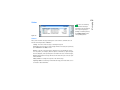
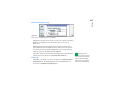
Figure 63
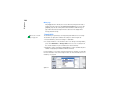
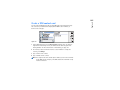
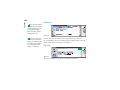
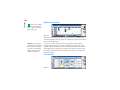
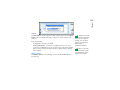
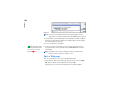
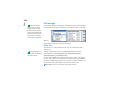
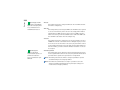
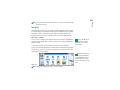
Proxies page
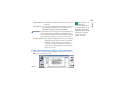
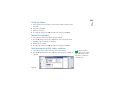
You may want to use a proxy to quicken access to the Internet. Note also that some
ISPs require the use of Web proxies. Contact your ISP to determine proxy details.
When you have made an Internet connection for your company’s intranet, and you
are unable to retrieve Web pages from the general WWW, you may need to setup
a proxy server to retrieve Web pages outside your company’s intranet.
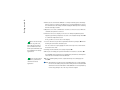
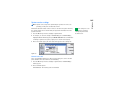
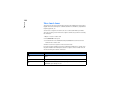
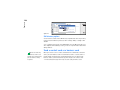
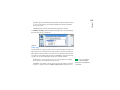
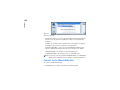
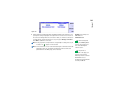
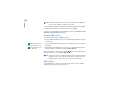
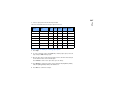
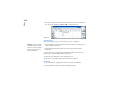
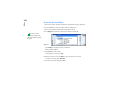
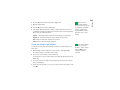
Use proxy server - To use the proxy server, select Yes. The options are Yes/No.
Use of a proxy server is dependent on the protocol.
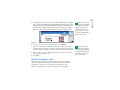
Port number - The number of the the proxy port. The port number is related to
the protocol. Common values are 8000 and 8080, but vary with proxy server.
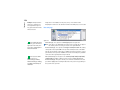
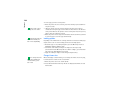
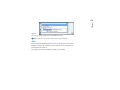
Tip: If you set Use proxy
server to No, Port number,
Proxy server, and No proxy for
are dimmed.