1
2
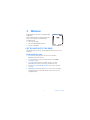
Welcome
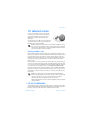
Congratulations on your purchase of the Nokia 6560
mobile phone.
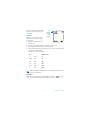
home screen
Nokia recommends that you read this chapter before
you use your new phone. You will find useful
information about:
•
How to use this guide
•
How to understand Network Services
•
How to contact Nokia
• GET THE MOST OUT OF THIS GUIDE
The tips that follow can help you use this guide efficiently as you learn to use
your phone.
Understand the terms
•
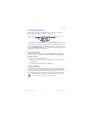
Press means to briefly press then release a key. For example,
Press 0 means press the zero key.
•
Press Menu means to press the key that is below the word Menu
on the phone screen.
•
Press and hold means to press and hold a key for 2–3 seconds
(depending on the feature you are using), and release the key.
•
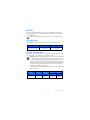
Use the Left selection and Right selection keys to choose an option
in a menu.
•
Highlighted means that an option you see on the screen is enclosed in
a dark bar. Choices you make with the two selection keys act on the
highlighted option.
4
Copyright © 2003 Nokia