1
ProSecure Unified Threat Management (UTM) Appliance
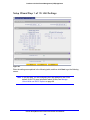
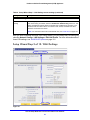
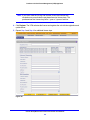
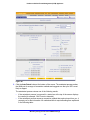
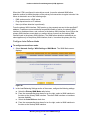
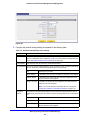
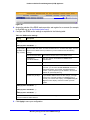
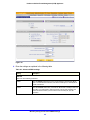
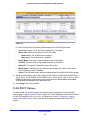
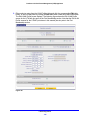
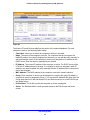
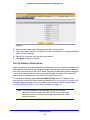
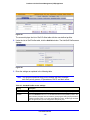
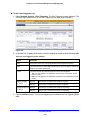
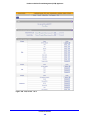
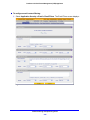
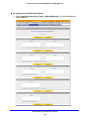
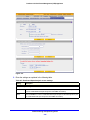
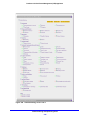
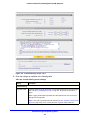
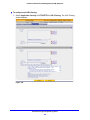
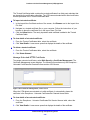
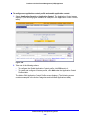
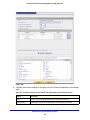
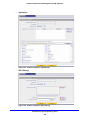
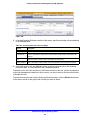
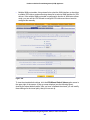
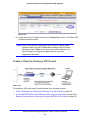
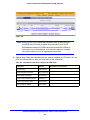
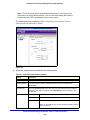
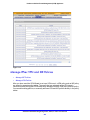
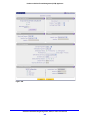
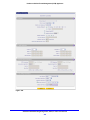
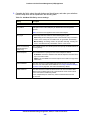
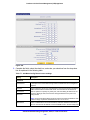
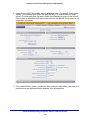
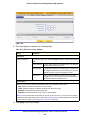
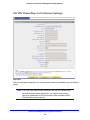
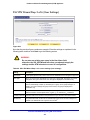
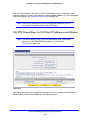
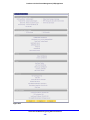
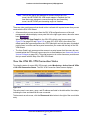
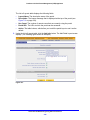
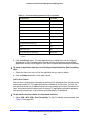
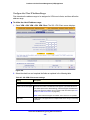
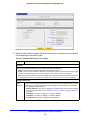
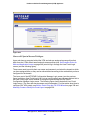
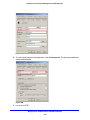
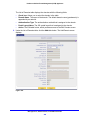
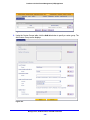
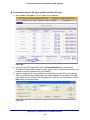
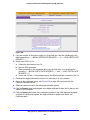
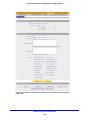
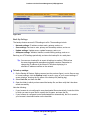
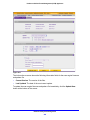
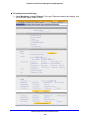
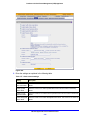
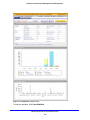
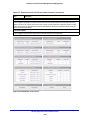
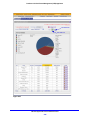
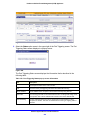
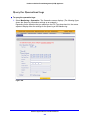
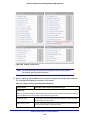
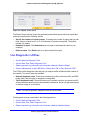
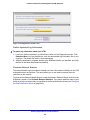
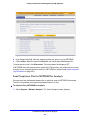
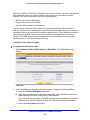
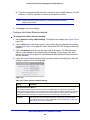
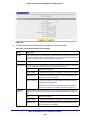
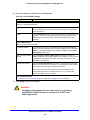
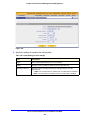
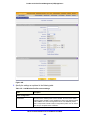
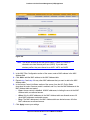
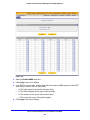
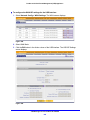
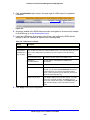
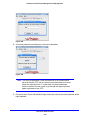
Figure 273.
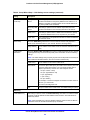
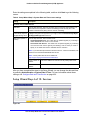
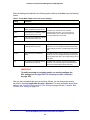
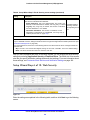
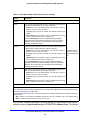
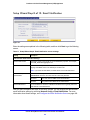
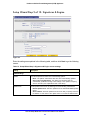
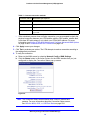
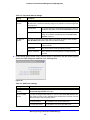
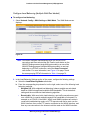
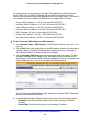
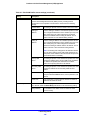
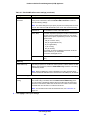
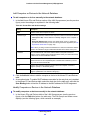
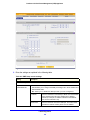
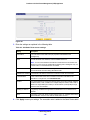
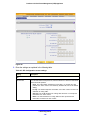
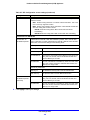
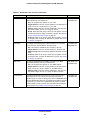
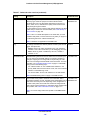
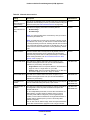
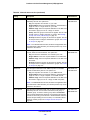
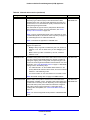
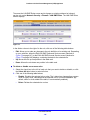
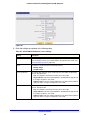
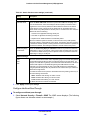
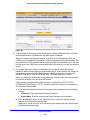
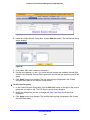
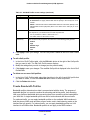
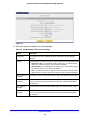
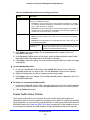
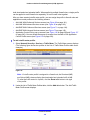
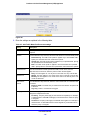
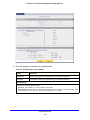
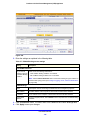
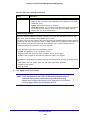
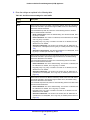
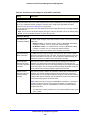
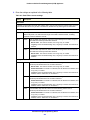
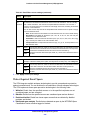
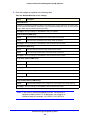
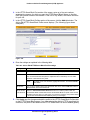
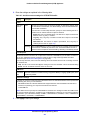
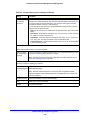
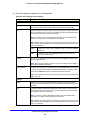
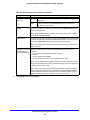
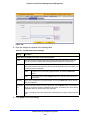
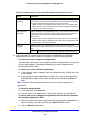
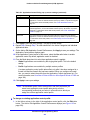
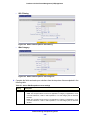
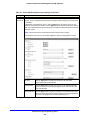
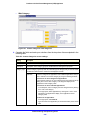
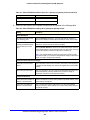
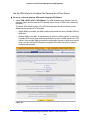
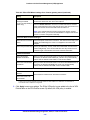
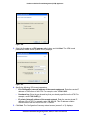
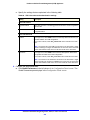
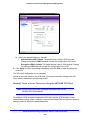
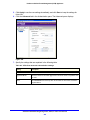
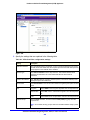
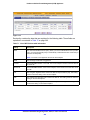
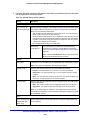
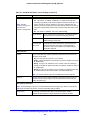
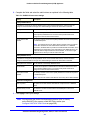
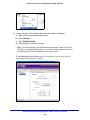
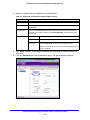
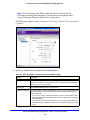
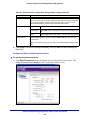
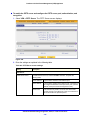
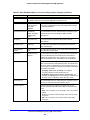
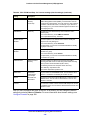
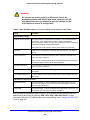
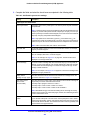
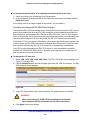
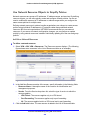
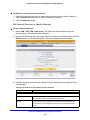
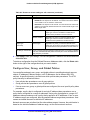
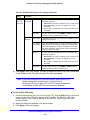
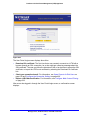
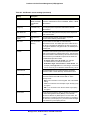
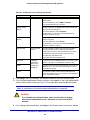
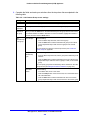
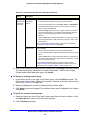
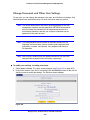
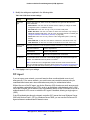
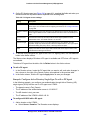
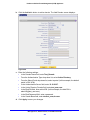
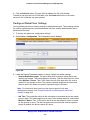
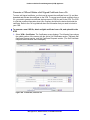
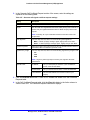
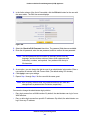
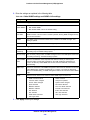
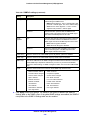
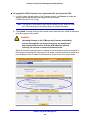
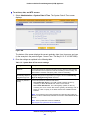
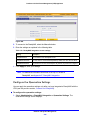
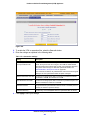
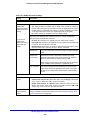
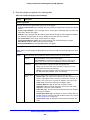
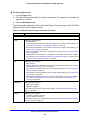
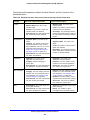
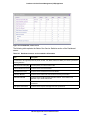
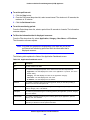
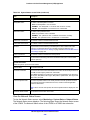
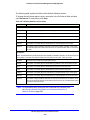
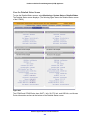
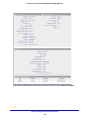
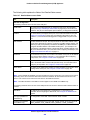
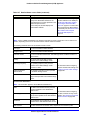
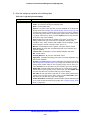
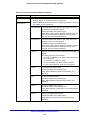
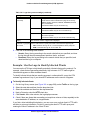
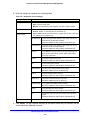
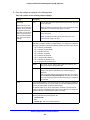
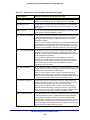
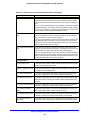
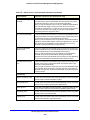
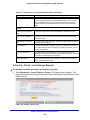
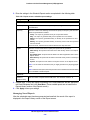
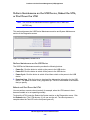
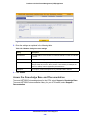
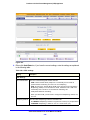
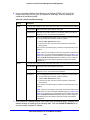
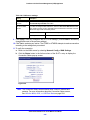
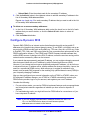
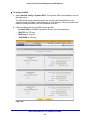
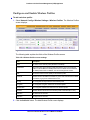
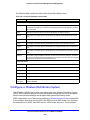
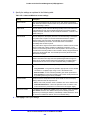
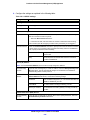
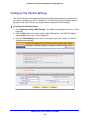
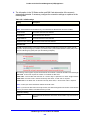
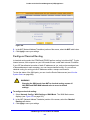
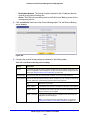
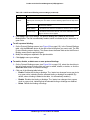
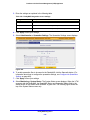
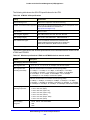
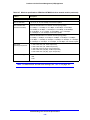
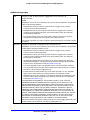
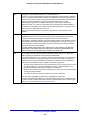
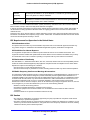
6. Enter the settings as explained in the following table:
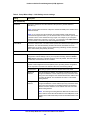
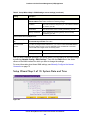
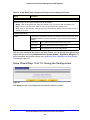
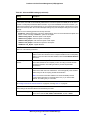
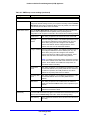
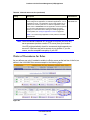
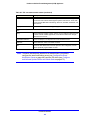
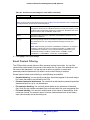
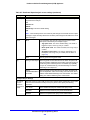
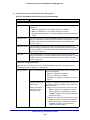
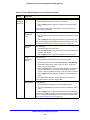
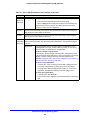
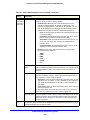
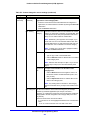
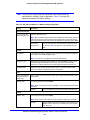
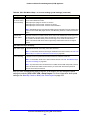
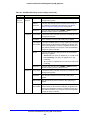
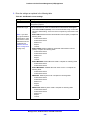
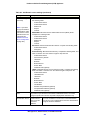
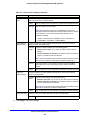
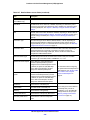
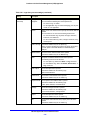
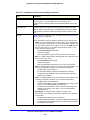
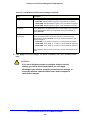
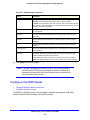
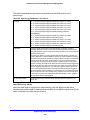
Table 115. Email Notification screen settings
Setting
Description
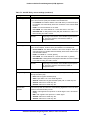
Show as Mail Sender
A descriptive name of the sender for email identification purposes. For
example, enter [email protected].
SMTP Server
The IP address and port number or Internet name and port number of your
ISP’s outgoing email SMTP server. The default port number is 25.
Note: If you leave this field blank, the UTM cannot send email notifications.
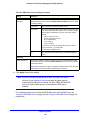
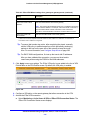
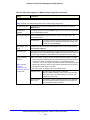
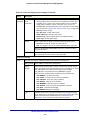
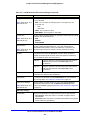
This server requires
authentication
If the SMTP server requires authentication, select the This server requires
authentication check box, and enter the user name and password.
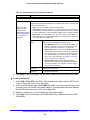
Send Notifications to Admin
User Name
The user name for SMTP server authentication.
Password
The password for SMTP server authentication.
The email address to which the notifications should be sent. Typically, this is
the email address of the administrator.
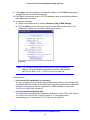
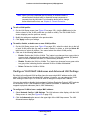
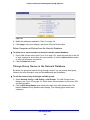
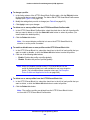
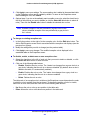
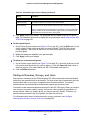
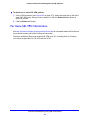
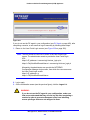
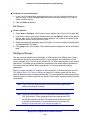
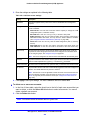
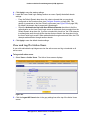
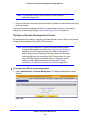
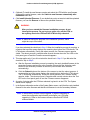
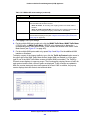
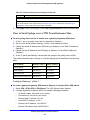
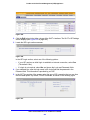
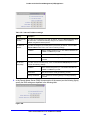
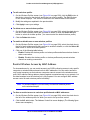
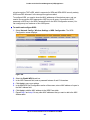
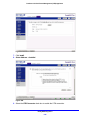
7. Click Test to ensure that the connection to the server and email address succeeds.
8. Click Apply to save your settings.
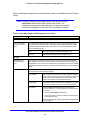
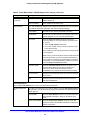
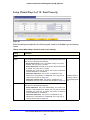
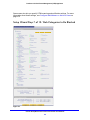
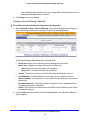
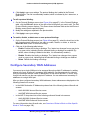
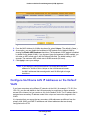
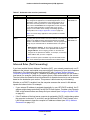
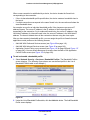
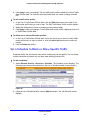
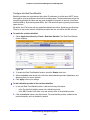
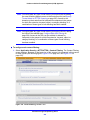
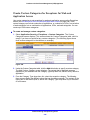
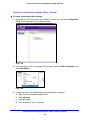
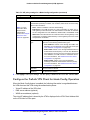
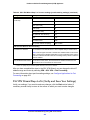
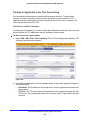
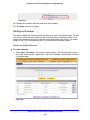
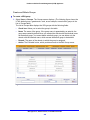
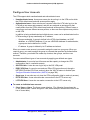
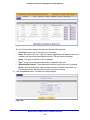
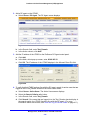
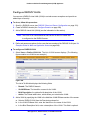
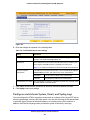
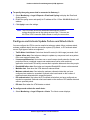
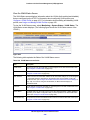
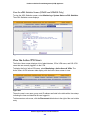
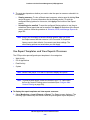
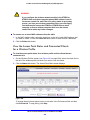
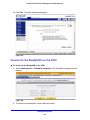
Configure and Activate System, Email, and Syslog Logs
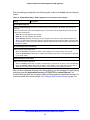
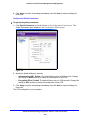
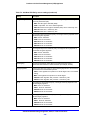
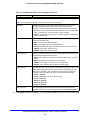
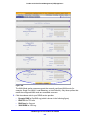
You can configure the UTM to log system events such as a change of time by an NTP server,
secure login attempts, reboots, and other events. You can also send logs to the administrator
or schedule logs to be sent to the administrator or to a syslog server on the network. In
addition, the Email and Syslog screen provides the option to selectively clear logs.
Monitor System Access and Performance
467