1
Installation
This modem is TRU-Install enabled and does not require a CD for installation.
1
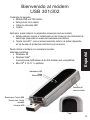
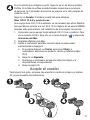
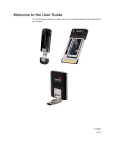
Remove the cap from the end of the modem and insert the SIM card as
shown in the illustration.
2
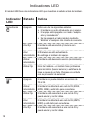
Insert the modem into the USB slot.
Windows
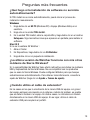
The software installation process
starts automatically. Follow the onscreen prompts to install the Watcher
software.
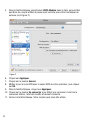
Mac OS X
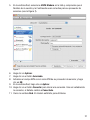
When the 3G Watcher window
appears, double-click the installer package.
3
Once the software is installed, the modem searches for a network. When
the modem finds a network, the Connect button in Watcher becomes
available.
Click Connect to connect to your network.
Watcher for Mac
Watcher for Windows
2