1
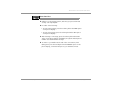
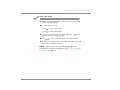
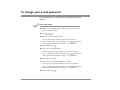
TO CHANGE YOUR ALTERNATE GREETING
USING YOUR PHONE
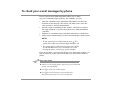
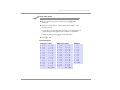
1 Call the voice messaging system, and enter your personal ID and
You can also perform
this task using
Mailbox Manager.
security code if prompted.
2 To rerecord your alternate greeting, press 7 4 8 1 .
3 After the beep, record your greeting, and then press ✱ to stop
recording.
The system plays your new greeting.
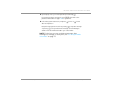
4 Do one of the following:
• To rerecord your message, press 1 .
• To continue, press 2 .
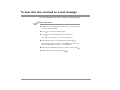
5 Do one of the following:
• To make the alternate greeting active, press 1 .
• To keep the current greeting active, press 2 .
NOTE For the keys you can use during a message, after
listening to a message, or at any time, see “To use systemwide
commands” on page 17.
See also
To set up or change your
standard greeting ........................35
To change your alternate
greeting .......................................36
To use the default greetings........42
NEAXMail IM-16 LX User guide
Changing Your Greetings
37