1
3-2
Getting Started
Power Management
ECO Engine -- Power Saving Function
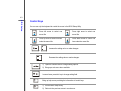
ECO Engine, the outstanding and unique power saving function, provides 5 different power saving
modes – Gaming mode, Movie mode, Presentation mode, Office mode, and Turbo Battery
mode, to extend the battery running time while performing different tasks with this notebook.
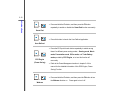
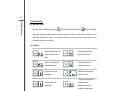
Press and hold the Fn button, and then press the F5 button repeatedly to switch among these 5
different modes or to turn this ECO Engine off recurrently.
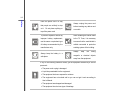
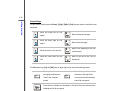
To learn which power saving mode is activated presently, read the icon on behalf of each mode
appearing on the display when selected.
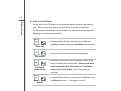
Gaming Mode
Select this mode while performing game applications.
Movie Mode
Select this mode while playing multimedia applications