1
Overview
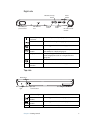
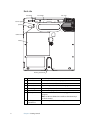
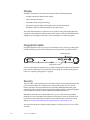
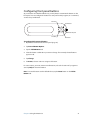
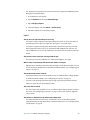
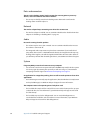
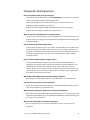
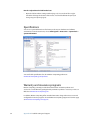
The following illustrations show the features of the Motion C5.
Front
Function button
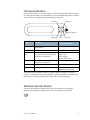
Dashboard button
Directional pad
Status lights
B button
A button
Microphones
Docking connector
2
Dashboard button
Open Motion Dashboard (page 9).
Function button
Activate secondary functions for other buttons (page 9).
Directional pad
Use for basic navigation. Equivalent to the arrow keys on a
keyboard. The center button is equivalent to Enter (page 9).
A button
Set up a custom action (page 9).
B button
Set up a custom action (page 9).
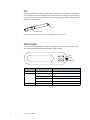
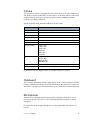
Status lights
Show wireless, battery, and Bluetooth status (page 8).
Microphones
Record sounds and use for speech recognition (page 11).
Docking connector
Interface for the C5 Docking Station.
Chapter 1 Getting Started