1
Controlling the WatchBP Office wirelessly (cont.)
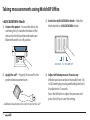
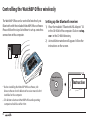
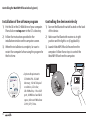
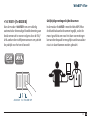
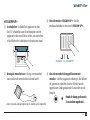
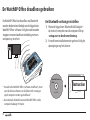
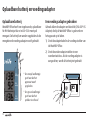
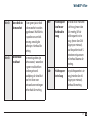
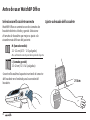
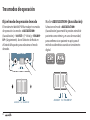
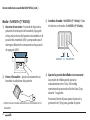
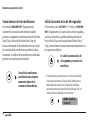
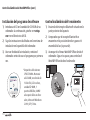
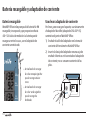
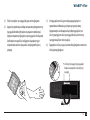
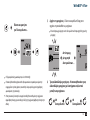
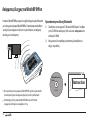
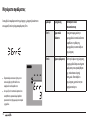
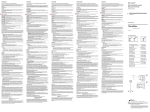
Installation of the software program
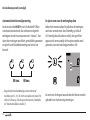
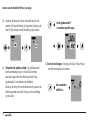
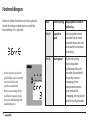
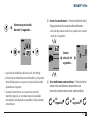
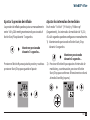
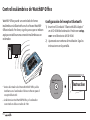
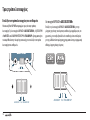
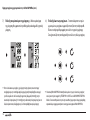
Controlling the device wirelessly
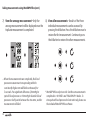
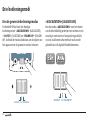
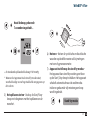
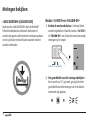
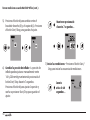
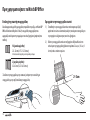
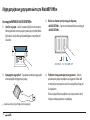
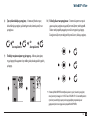
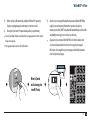
1) Put the CD in the CD-ROM drive of your computer.
Then click on «setup.exe» in the CD’s directory.
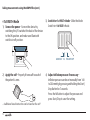
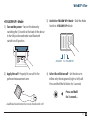
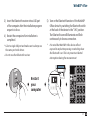
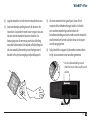
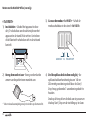
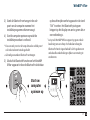
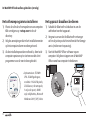
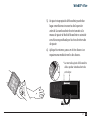
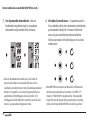
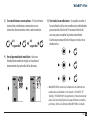
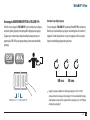
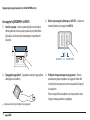
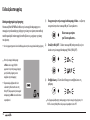
1) Turn on the Bluetooth switch located on the back
of the device.
2) Follow the instructions provided in the
installation window on the computer screen.
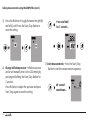
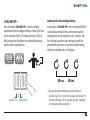
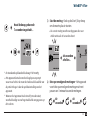
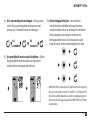
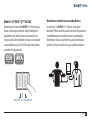
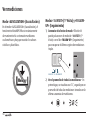
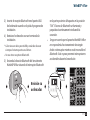
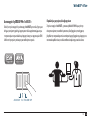
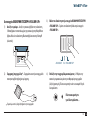
2) Make sure the Bluetooth receiver is at right
position and the light is on (if applicable).
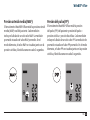
3) When the installation is complete, be sure to
restart the computer before using the program for
the first time.
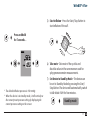
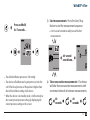
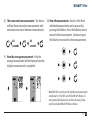
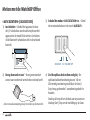
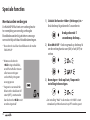
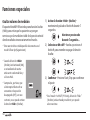
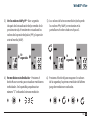
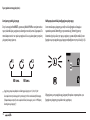
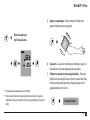
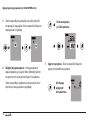
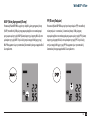
3) Launch WatchBP Office Software from the
computer. Follow these steps to control the
WatchBP Office from the computer.
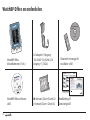
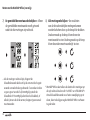
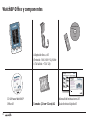
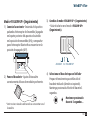
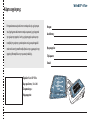
WatchBP Analyzer Office
Version 1.0.2.4
Install CD
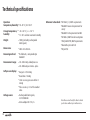
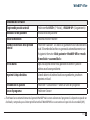
System Requirements: 550MHz CPU. 256MB Memory, 1024x768
pixel resolution, 256 color, CD-ROM drive, 1 free USB port, 40MB
free hard disk space, Microsoft Windows 2000 / XP / Vista.
32
ed.
serv
©200
s Re
Right
8 Microlif
e Corporation. All
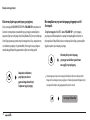
*System Requirements:
550MHz CPU. 256MB
Memory, 1024x768 pixel
resolution, 256 color,
CD-ROM drive, 1 free USB
port, 40MB free hard disk
space, Microsoft Windows
2000 / XP / Vista.
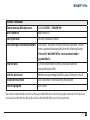
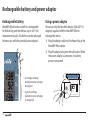
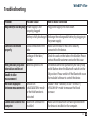
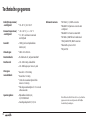
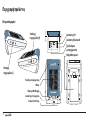
DC 6V 600mA