1
JOBNAME: No Job Name PAGE: 24 SESS: 1 OUTPUT: Thu May 13 11:58:31 2010 SUM: 41E914BE
/ford_pdm/ford/supplement/ng2/navi
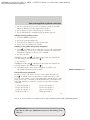
Voice recognition system overview
OFF, the system may assume it understood your request or may ask you
to repeat your request. If the system is unsure of what was asked, it will
prompt you to try again or ask for help.
Note: Even with Confirmation prompts turned OFF, you may be asked to
confirm certain settings occasionally.
CIMS #1879901 com_usingvoice.maz
itdseq=22
HOW TO USE VOICE COMMANDS WITH YOUR SYSTEM
or VOICE on your steering wheel controls to activate Voice
Press
Recognition. Depending on the feedback setting, you will hear the
prompt, “Please say a command” followed by a tone, or you will hear a
tone, signaling that the system is ready to accept your command. Any
command spoken prior to the beep will not register with the system.
Speak the command clearly to ensure that the system is able to
recognize and perform the desired function. You can, at any time,
or VOICE and say “Help” for a list of possible commands.
press
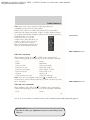
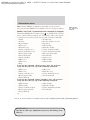
The main categories of your voice commands are as follows:
• Navigation
• Confirmations
• Audio
• Jukebox
• Radio
• Display mode
• User profile
• Disc
• CD
• DVD
• Video CD
• Line in
• Voice settings
• Tutorial
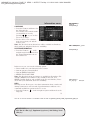
To access a list of all available voice commands:
1. Press the
hard button on the system.
2. Select the ‘Help’ tab on the touchscreen.
3. Select ‘Voice commands’ at the top of the screen.
4. Select the desired category.
CIMS #1660012
com_voicevisual
itdseq=23
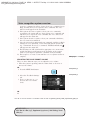
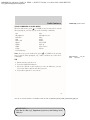
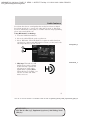
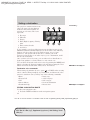
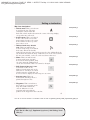
Voice recognition visual feedback
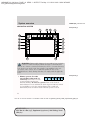
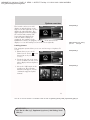
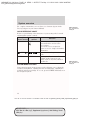
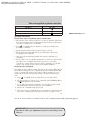
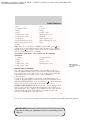
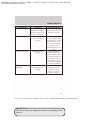
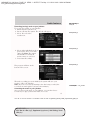
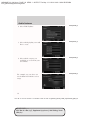
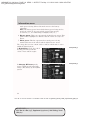
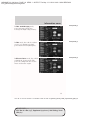
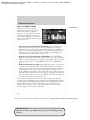
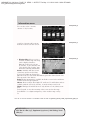
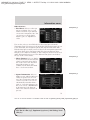
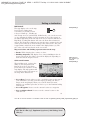
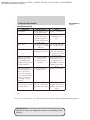
When Voice recognition (VR) is activated, the following icons will appear
in the status bar.
VR State
Main Menu/Generic
VR recognition failure
VR Icon
24
PAGE: 24 OP: root EDIT SESSION: 1 DATE: MAY 13 2010 at 11:58 JOB: @ibm2/ford_pdm/CLS_ford/GRP_supplement/JOB_ng2/DIV_navi
REVIEW COPY ——
2011 Nav in a Box (ng2), Supplement (supplement), 2nd Printing, Market:
USA (fus)


































![Epson EB-460 [240v] Enhanced Warranty Education](http://vs1.manualzilla.com/store/data/007232844_1-494e9cd377264c6fcf7922b0cc777270-150x150.png)