1
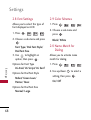
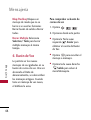
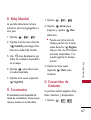
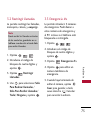
1.6 Power On/Off Tone
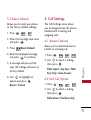
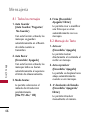
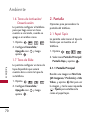
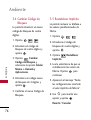
2. Display
Allows you to set the phone to
sound a tone when the phone is
powered on and off.
Options to customize your
phone's display screen.
1. Press
,
,
,
2. Use
to set to On/ Off,
then press
.
.
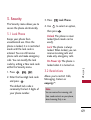
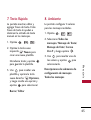
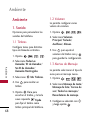
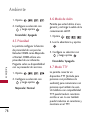
1.7 Slide Tone
,
,
2. Use
to set to On/ Off,
then press
.
,
,
,
2. Select Main Screen/ Sub
Screen then press .
.
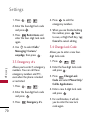
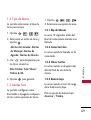
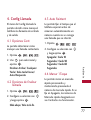
2.1.1 Main Screen
.
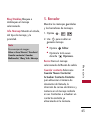
Highlight an image from My
Picture(My Images/Default)/
View to
My Video, and press
view the image, and Left Soft Key
Set to set it as the wallpaper.
S ett i n g s
,
Allows you to choose the kind of
background to be displayed on
the phone.
1. Press
Allows you to set a Slide Tone
that will play when you flip your
phone open or closed.
1. Press
2.1 Wallpaper
65