1
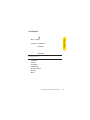
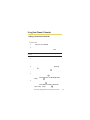
Callback Number
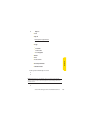
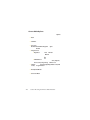
1. Select Menu > Settings > Messaging > Callback Number.
2. Select None, My Phone Number, or Other and press
(If you select Other, enter a number and press
.
.)
Deleting Old Messages
You can delete messages that you’ve already read whenever
you like, or you can have your phone delete them
automatically for you.
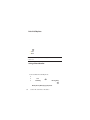
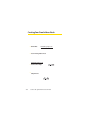
To automatically delete read messages:
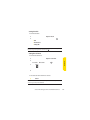
1. Select Menu > Settings > Messaging > Auto-Delete.
2. Select On or Off and press
.
Adding a Customized Signature
Each message you send can have a customized signature to
reflect your personality.
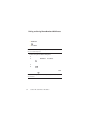
To add a customized signature to each sent message:
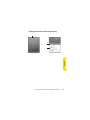
1. Select Menu > Settings > Messaging > Signature > Custom.
(If you do not wish to attach a signature to your outgoing
messages, select None.)
2. Enter your signature and press
. (See “Entering Text”
on page 35.)
54
Section 2B: Controlling Your Phone’s Settings