1
8
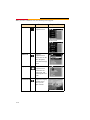
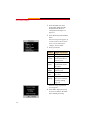
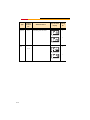
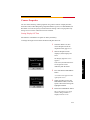
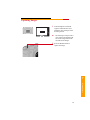
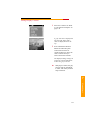
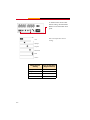
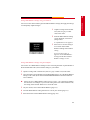
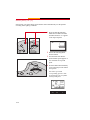
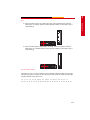
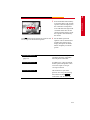
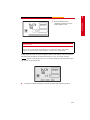
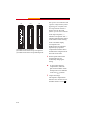
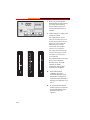
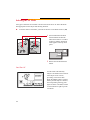
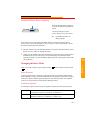
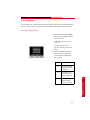
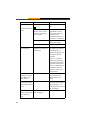
1- 1/2 stops under
1 - 1/3 stops under
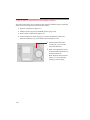
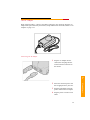
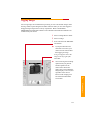
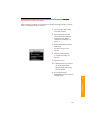
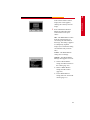
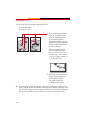
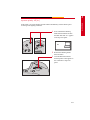
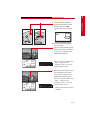
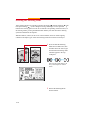
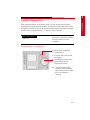
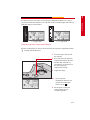
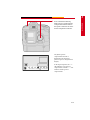
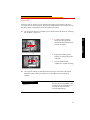
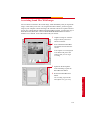
Using the Exposure Compensation Button
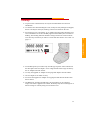
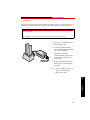
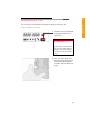
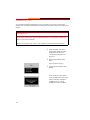
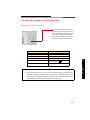
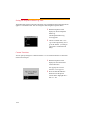
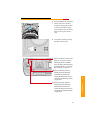
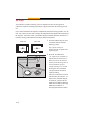
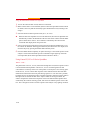
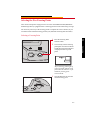
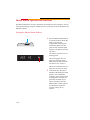
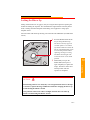
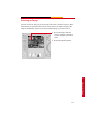
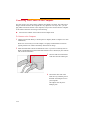
Exposure compensation can also be carried out using the Exposure Compensation button
( + - ) together with the Main dial.
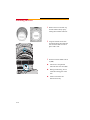
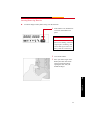
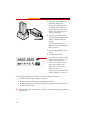
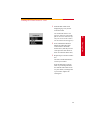
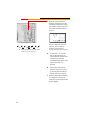
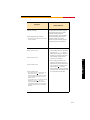
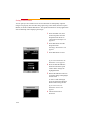
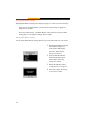
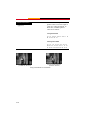
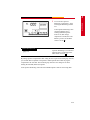
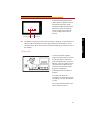
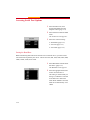
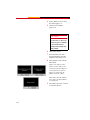
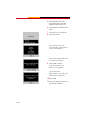
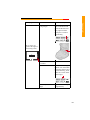
1 Focus the subject and confirm
the exposure.
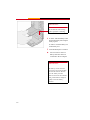
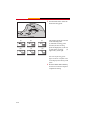
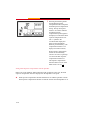
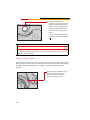
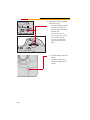
2 Press and release the Exposure
Compensation button, then turn
the Main dial (while the sixsecond timer is activated) to set
the desired exposure
compensation amount.
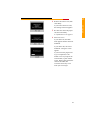
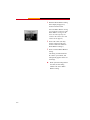
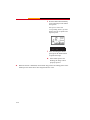
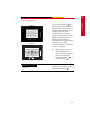
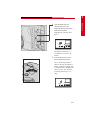
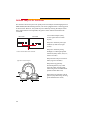
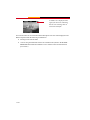
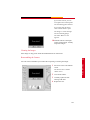
3 Capture the image.
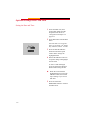
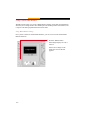
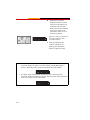
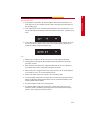
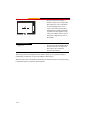
☛ The set exposure
compensation amount is not
canceled even if the Main
switch is set to ( L ).
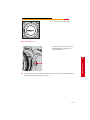
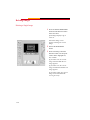
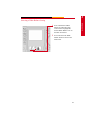
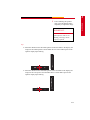
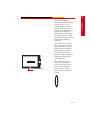
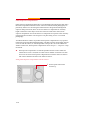
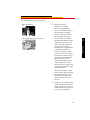
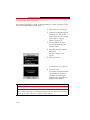
4 Set the Quick Control Dial
switch to (0) to prevent
accidental operation.
8-39
Exposure
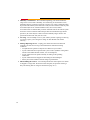
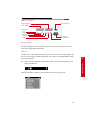
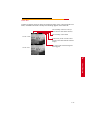
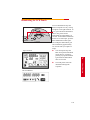
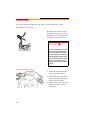
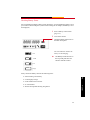
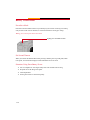
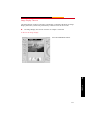
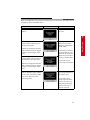
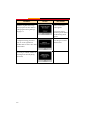
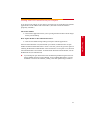
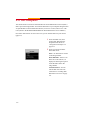
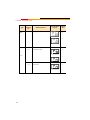
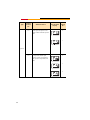
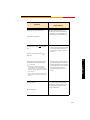
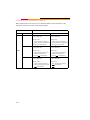
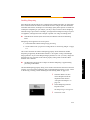
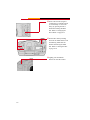
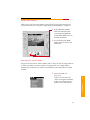
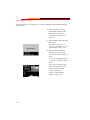
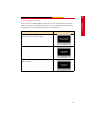
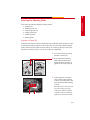
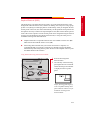
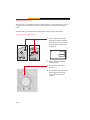
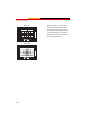
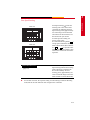
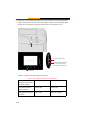
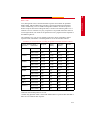
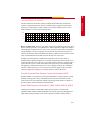
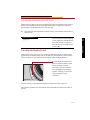
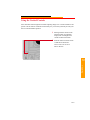
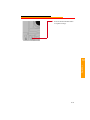
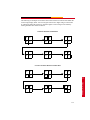
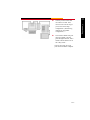
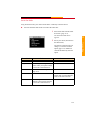
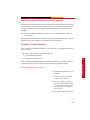
If Custom function F-6 is used to set the exposure compensation amount in 1/2-stop or
1/3-stop increments, the Exposure Level indicators in the viewfinder display and in the top
LCD panel appear as shown below.