1
Operating Procedures
Loading Paper Into the Supply Cassette
WARNING: Move the supply cassette from the printer to a table to load or
unload paper.
One 10- to 20-inch supply cassette and one 10- to 20-inch takeup cassette are
included with the printer and are designed to hold rolls of paper that are 10-, 11-,
12-, 20-inch, and A4 widths.
The supply cassette and takeup cassette are not interchangeable.
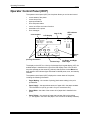
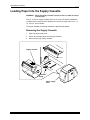
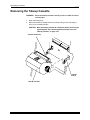
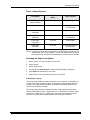
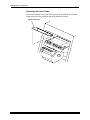
Removing the Supply Cassette
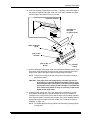
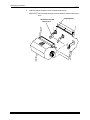
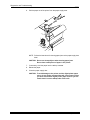
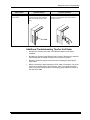
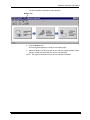
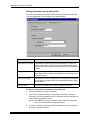
1. Open the paper supply door.
2. Unlock the cassette clamp for the supply cassette.
3. Remove the empty supply cassette.
supply cassette
cassette
clamp
paper supply
door
3-6
September 2000