1
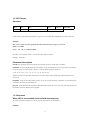
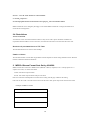
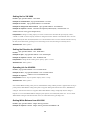
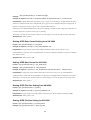
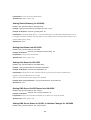
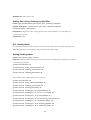
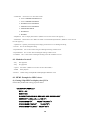
Example of response camera.image.gamma.activelevel&202
Accepted(camera.status=save)
Interpretation Change active gamma level setting. Specify from 0 to 100. The change is saved by the API,
camera.status=save. If the change is not saved, the setting is restored by reboot. Thie setting is valid when
gamma setting is "active".
Allowed users admin, operator
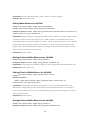
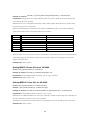
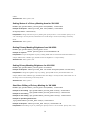
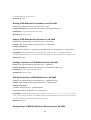
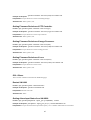
Getting Enhance Band from VN-V686
Format /api/param?camera.image.enhance.band
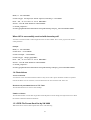
Example of response camera.image.enhance.band=high&200 OK
Interpretation Acquire enhance band setting. Value of enhance band is high or low.
When lcd1, lcd2 or crt is set to monitor type, enhance band setting is ignored.
Allowed users admin, operator, user
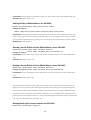
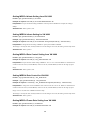
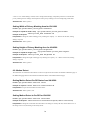
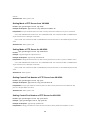
Setting Enhance Band for VN-V686
Format /api/param?camera.image.enhance.band=data
Example of setting a value /api/param?camera.image.enhance.band=low
Example of response camera.image.enhance.band&202 Accepted(camera.status=save)
Interpretation Change enhance band setting. Specify high or low. The change is saved by the API,
camera.status=save. If the change is not saved, the setting is restored by reboot.
When lcd1, lcd2 or crt is set to monitor type, enhance band setting is ignored.
Allowed users admin, operator
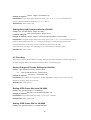
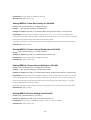
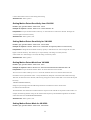
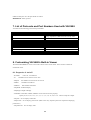
Getting Enhance from VN-V686
Format /api/param?camera.image.enhance
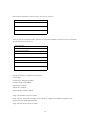
Example of response camera.image.enhance=50&200 OK
Interpretation Acquire enhance setting. Range of enhance is between 0 to 100, and it is mapped to 11 internal
levels. The larger the value, the sharper will be the image.
Allowed users admin, operator, user
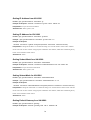
Setting Enhance for VN-V686
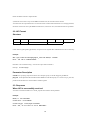
Format /api/param?camera.image.enhance=data
Example of setting a value /api/param?camera.image.enhance=50
Example of 1 step change /api/param?camera.image.enhance=+
Example of response camera.image.enhance&202 Accepted(camera.status=save)
Interpretation Change enhance setting. Specify 0 to 100, "+" or "-". The value is mapped to 11 internal levels. It
21