1
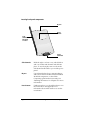
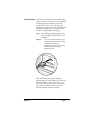
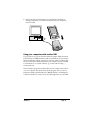
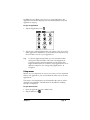
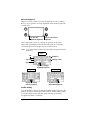
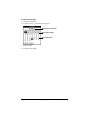
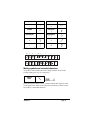
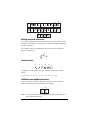
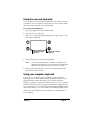
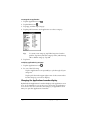
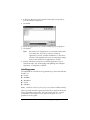
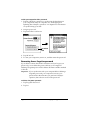
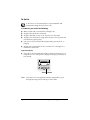
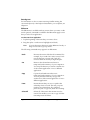
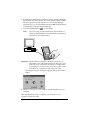
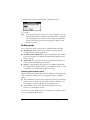
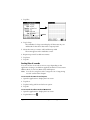
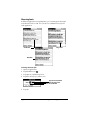
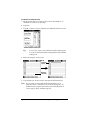
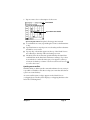
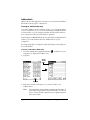
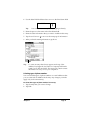
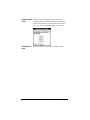
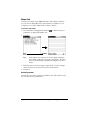
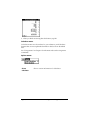
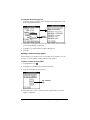
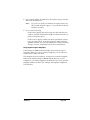
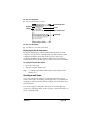
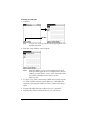
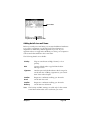
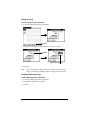
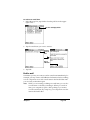
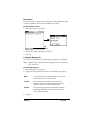
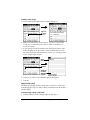
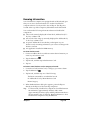
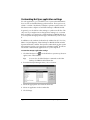
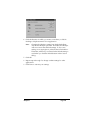
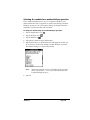
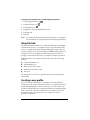
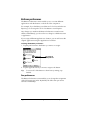
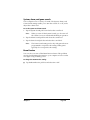
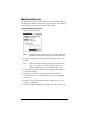
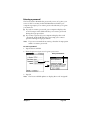
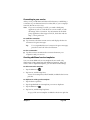
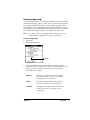
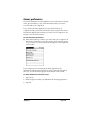
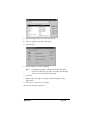
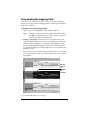
3. Tap the pick list next to the label you want to change.
Tap
triangle
4. Select a new label.
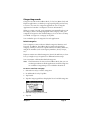
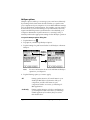
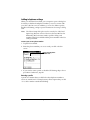
Changing Address Entry details
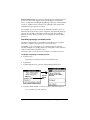
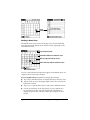
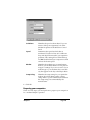
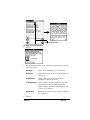
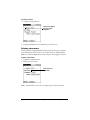
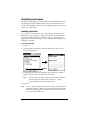
The Address Entry Details dialog box provides a variety of options
that you can associate with an entry.
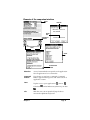
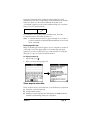
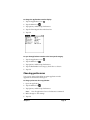
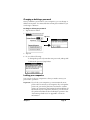
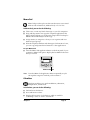
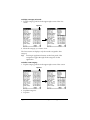
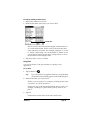
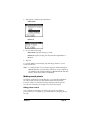
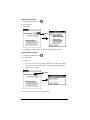
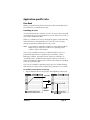
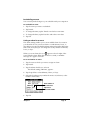
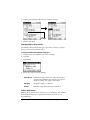
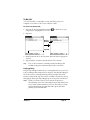
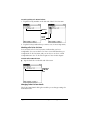
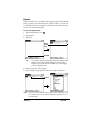
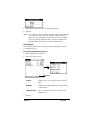
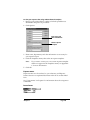
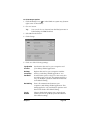
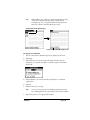
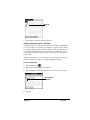
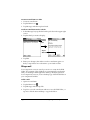
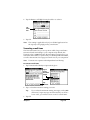
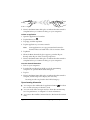
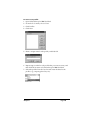
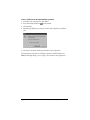
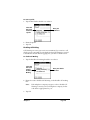
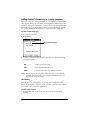
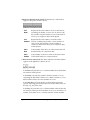
To open the Address Entry Details dialog box:
1. Tap the entry whose details you want to change.
2. Tap Edit.
3. Tap Details.
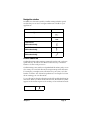
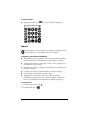
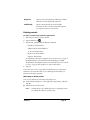
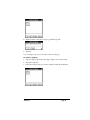
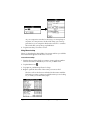
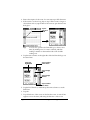
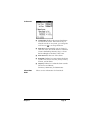
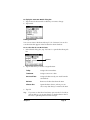
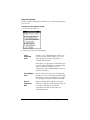
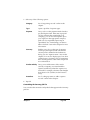
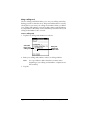
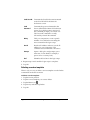
4. Select any of the following settings:
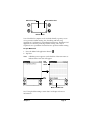
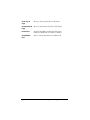
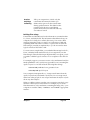
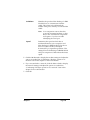
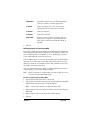
Show in List
Select which type of phone or other information
appears in the Address List screen. Your options
are Work, Home, Fax, Other, and E-mail.
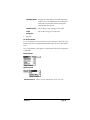
Category
Assign the entry to a category.
Private
Hide this entry when Security is turned on.
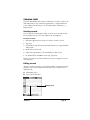
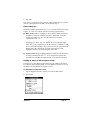
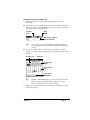
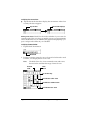
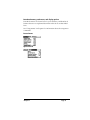
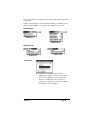
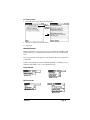
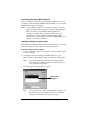
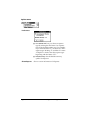
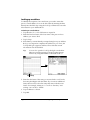
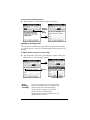
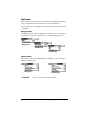
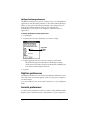
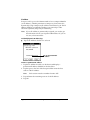
Address Book menus
Address Book menus are shown here for your reference, and Address
Book features that are not explained elsewhere in this book are
described here.
Page 88
Using Your Basic Applications