1
4
Switch Interface Administration
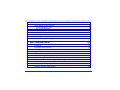
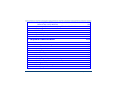
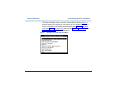
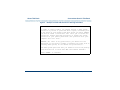
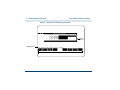
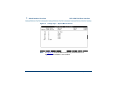
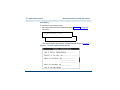
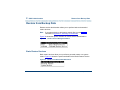
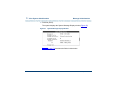
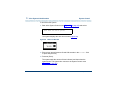
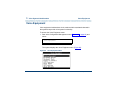
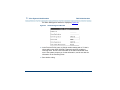
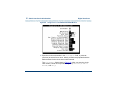
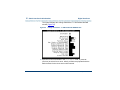
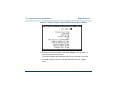
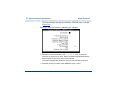
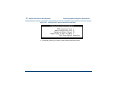
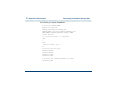
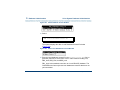
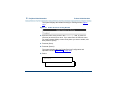
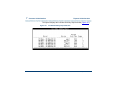
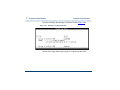
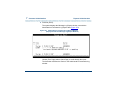
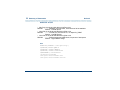
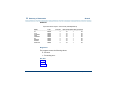
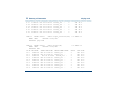
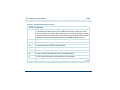
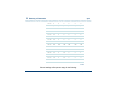
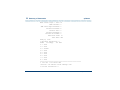
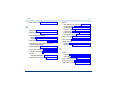
Figure 95.
Digital Interfaces
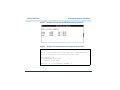
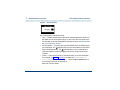
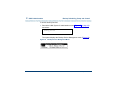
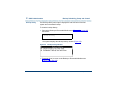
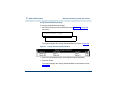
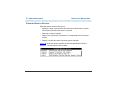
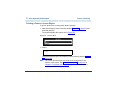
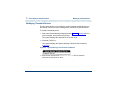
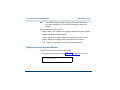
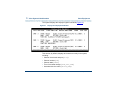
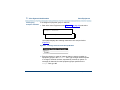
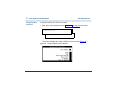
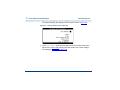
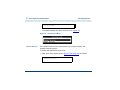
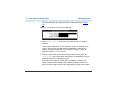
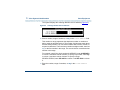
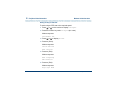
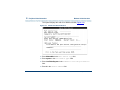
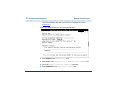
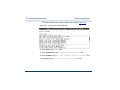
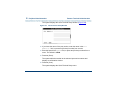
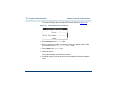
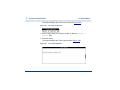
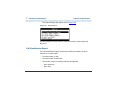
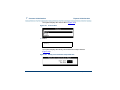
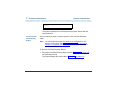
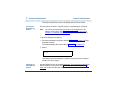
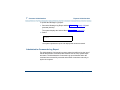
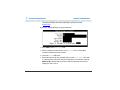
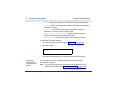
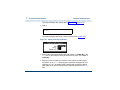
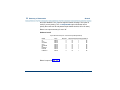
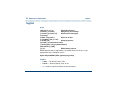
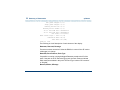
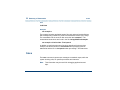
Change Parameters: Digital R2 MFC Protocol - Mexico Window
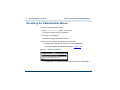
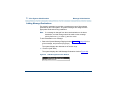
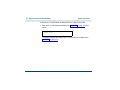
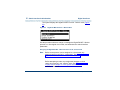
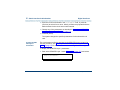
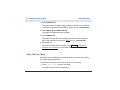
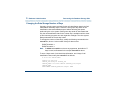
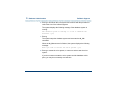
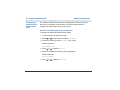
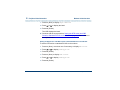
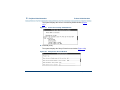
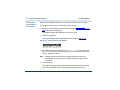
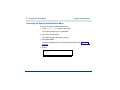
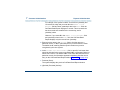
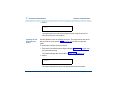
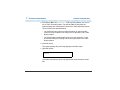
2 Enter the circuit card number in the Card Number: field, or press F2
(Choices) to select from a menu. Initially, all fields are populated with the
current values for the circuit card number entered.
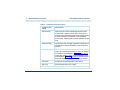
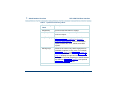
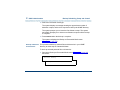
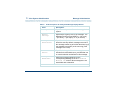
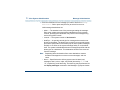
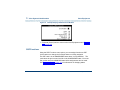
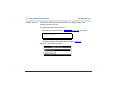
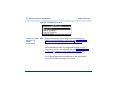
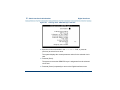
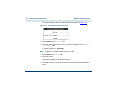
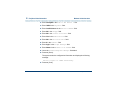
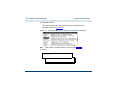
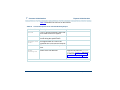
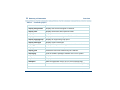
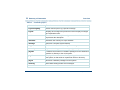
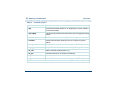
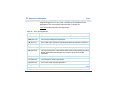
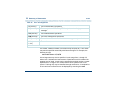
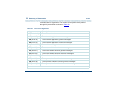
3 Change any of the parameters described in Assigning the Digital R2 MFC
- Mexico Protocol to E1 Circuit Cards on page 164.
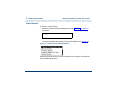
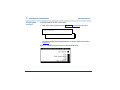
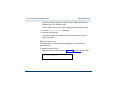
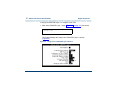
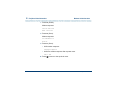
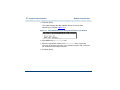
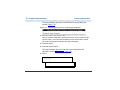
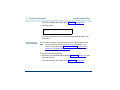
4 Press F3 (Save).
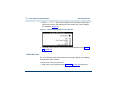
The system saves the changed parameters.
UCS 1000 R4.2 Administration 585-313-507
Issue 3 April 2000 169