1
6.
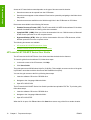
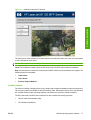
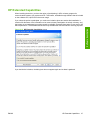
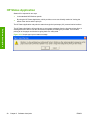
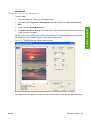
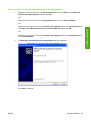
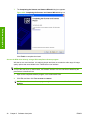
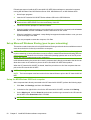
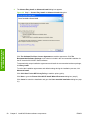
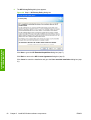
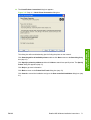
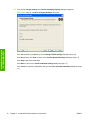
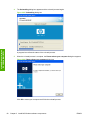
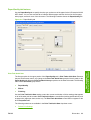
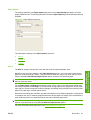
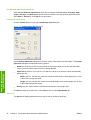
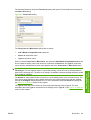
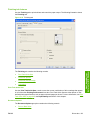
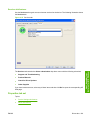
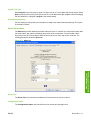
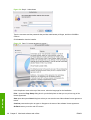
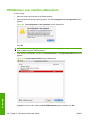
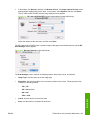
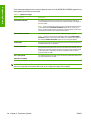
The HP Privacy Policy dialog box appears.
Figure 3-6 Step 6 - HP Privacy Policy dialog box
Install MS Windows
software components
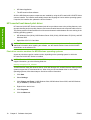
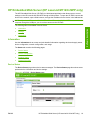
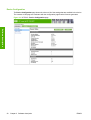
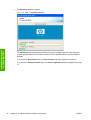
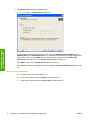
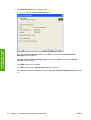
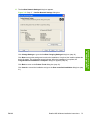
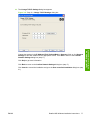
Click Next to go to the HP Extended Capabilities dialog box (step 7).
Click Back to return to the HP License Agreement dialog box (step 5).
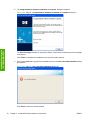
Click Cancel to cancel the installation and go to the User cancelled installation dialog box (step
21).
62
Chapter 3 Install MS Windows software components
ENWW